
Today, almost everything we do online requires authentication—logging into social media, checking bank accounts, or accessing work systems. Two of the most common authentication methods are password-based systems and biometric authentication.
As technology grows and cyber threats become more advanced, many people want to understand which method is safer, easier, and more reliable. This blog gives a simple, clear comparison to help you choose the right method for your needs.
What Are Password-Based Authentication Systems?
How Passwords Work
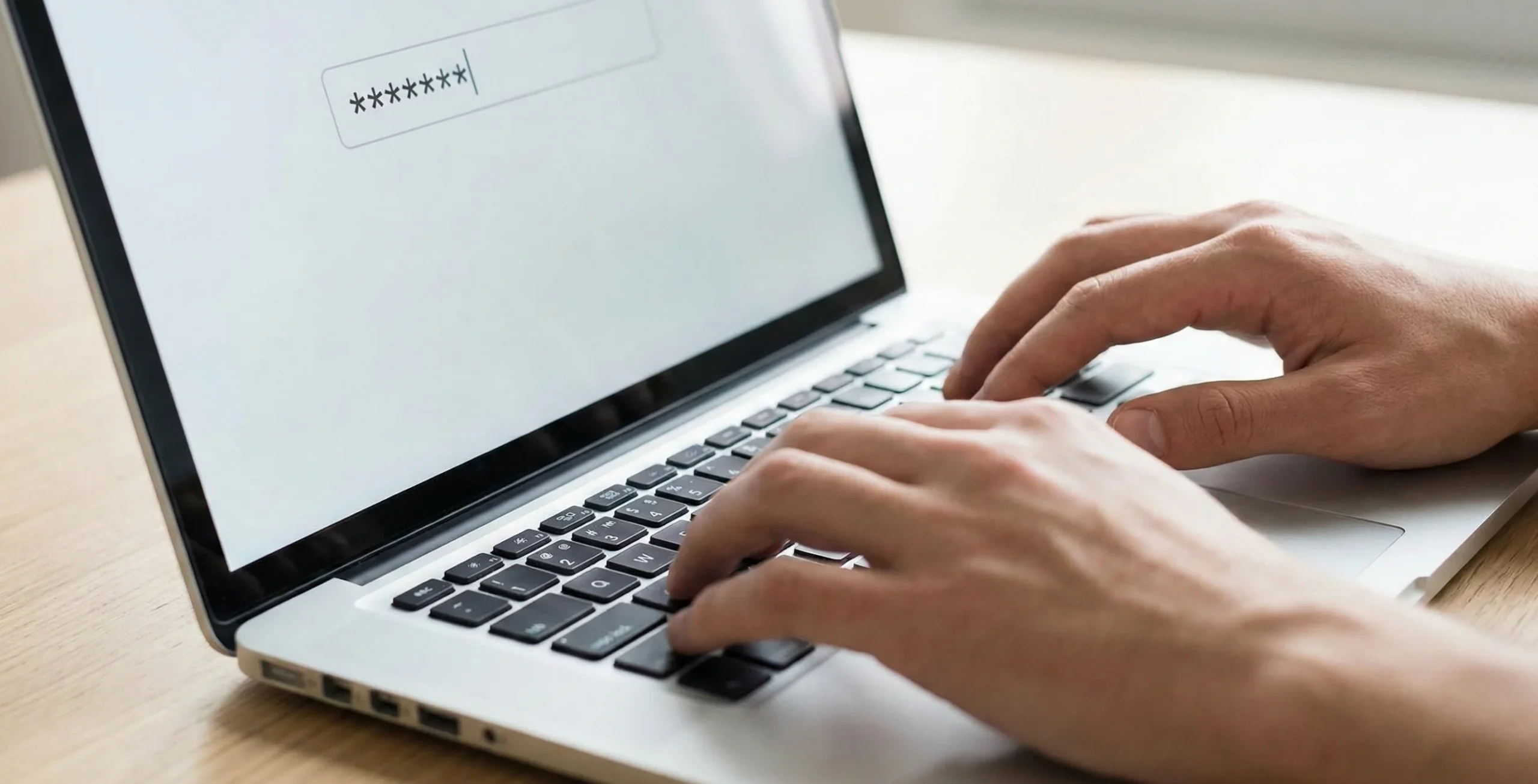
Passwords are the oldest and most familiar way of verifying identity. A user creates a secret combination of letters, numbers, or symbols. This password is stored securely by the system (usually in encrypted form). When you log in, the system compares your entered password with the stored version to confirm your identity.
Common Types of Passwords
- Alphanumeric Passwords – the standard mix of letters, numbers, and symbols.
- PINs – short numeric passwords often used on phones or ATMs.
- Security Questions – answers only the user should know.
- One-Time Passwords (OTP) – temporary codes sent via SMS or apps for extra security.
Pros of Password-Based Authentication
- Easy to implement on almost any platform.
- Very cost-effective, requiring no special hardware.
- Universal usage, familiar to everyone.
- Flexible, allowing different levels of complexity.
Cons of Password-Based Authentication
- Easy to forget, especially strong passwords.
- Highly vulnerable to phishing, hacking, and brute-force attacks.
- Weak user habits, such as reusing the same password across websites.
- Requires regular updates, which can be annoying for users.
What Is Biometric Authentication?
How Biometrics Work
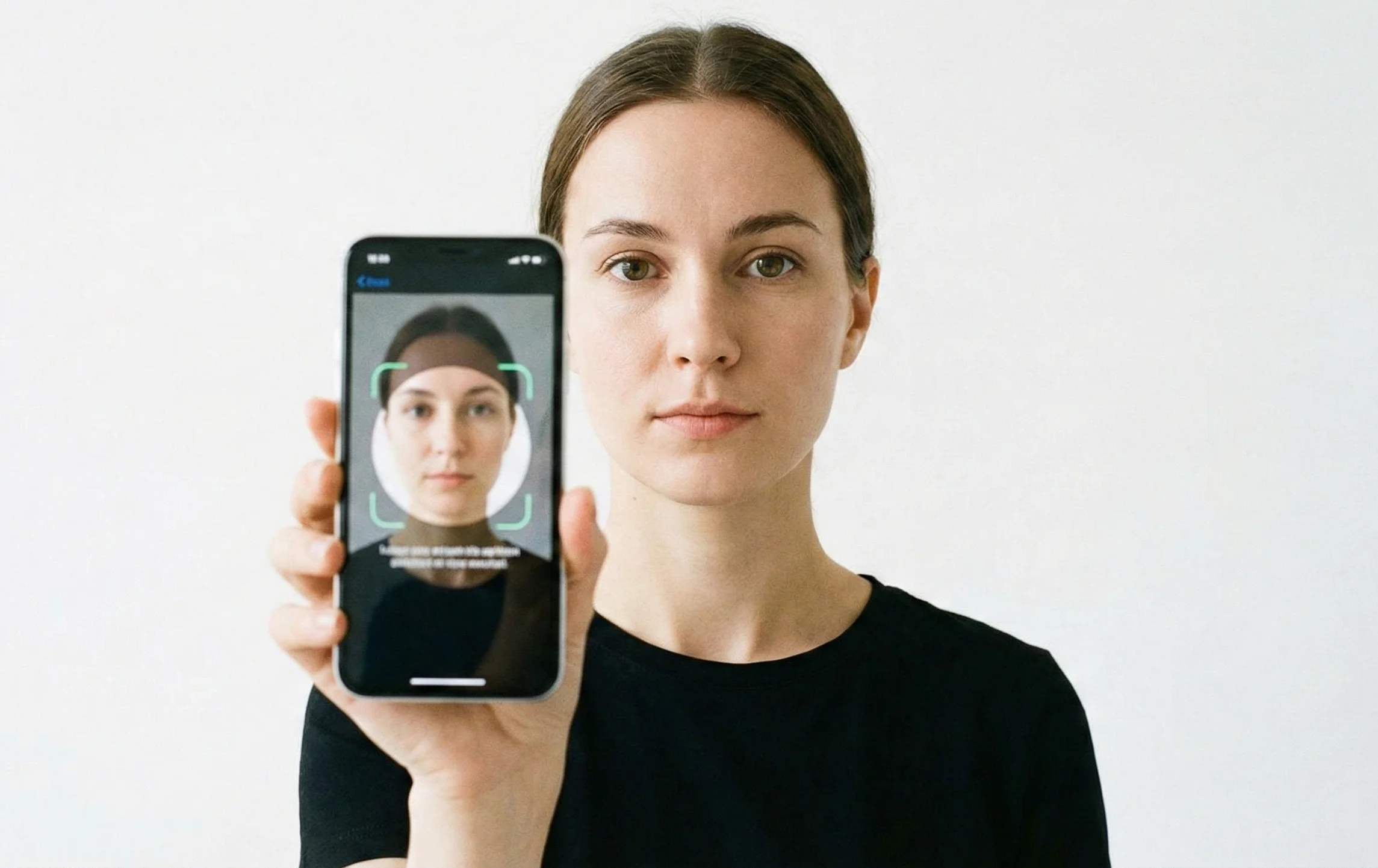
Biometric authentication uses unique physical or behavioral traits, such as your fingerprint or face shape, to identify you. A device captures the biometric data, converts it into a digital template, and compares it with the stored template during login.
Types of Biometric Authentication
- Fingerprint Scanning – common in smartphones.
- Face Recognition – used for unlocking phones and secure apps.
- Iris or Retina Scanning – extremely accurate, often used in high-security environments.
- Voice Recognition – verifies identity based on speech patterns.
- Behavioral Biometrics – typing rhythm, movement patterns, etc.
Pros of Biometric Authentication
- Very secure because biometric traits are unique to each person.
- Hard to fake or steal, unlike passwords.
- No need to remember anything, improving convenience.
- Fast authentication, making the user experience smooth.
Cons of Biometric Authentication
- Requires special hardware, increasing cost.
- Privacy concerns, since biometric data is deeply personal.
- Risk of misuse if the stored biometric data is leaked.
- False positives or false negatives can occur due to lighting, injuries, or device issues.
Biometric vs. Password: Key Differences
Security Strength
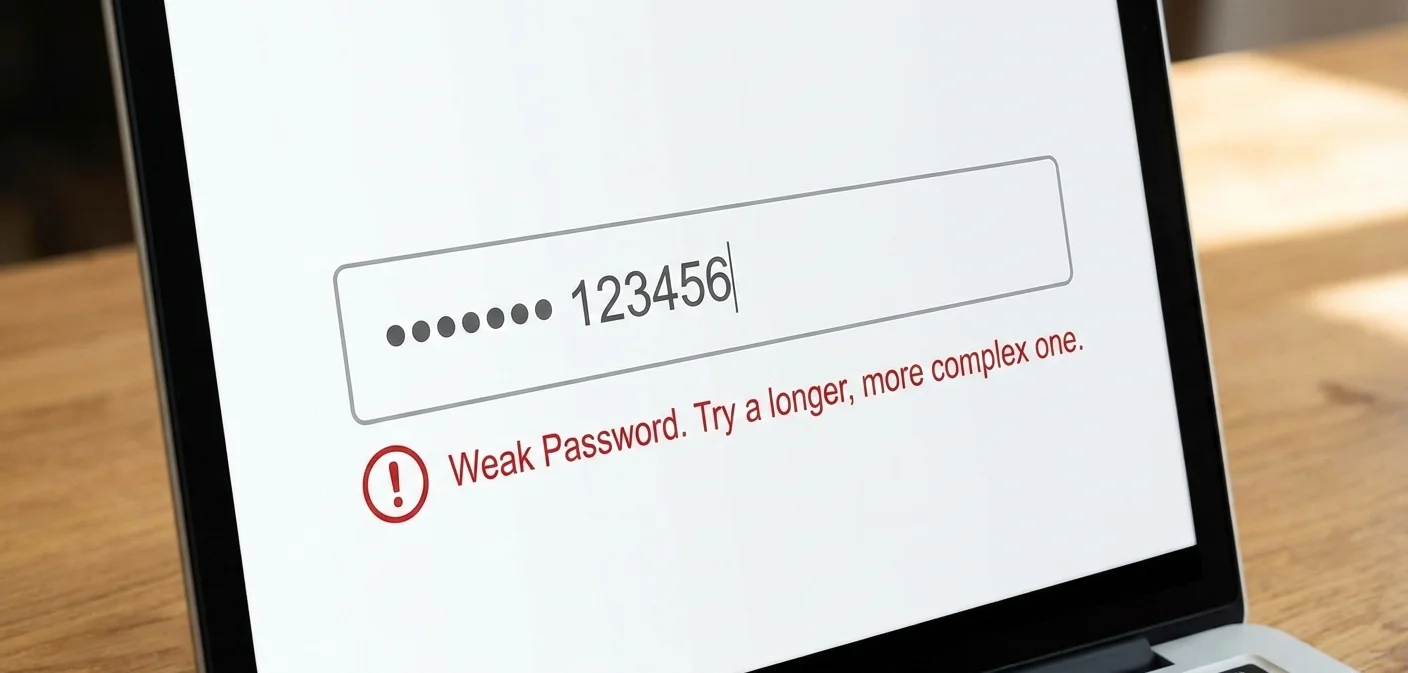
Passwords can be stolen or guessed. Biometric data is harder to replicate, making it more secure in most cases. However, biometrics also carry unique risks—if stolen, they cannot be changed like a password.
Convenience and User Experience
Biometrics offer quick, easy verification. Passwords require effort to remember and type, especially complex ones.
Cost and Implementation
- Passwords: Cheap, easy to set up.
- Biometrics: Expensive hardware and advanced software needed.
Accuracy and Reliability
Passwords rely on memory. Biometrics rely on physical conditions—wet fingers, poor lighting, or background noise can affect performance.
Privacy and Data Concerns
Password leaks are common but easy to fix—just change the password. Biometric leaks are far more serious because you cannot change your fingerprint or face.
When to Use Biometrics
Biometrics are best in situations that need fast and secure authentication, such as:
- Smartphone unlocking
- Banking and financial apps
- Government and healthcare systems
- Access control in offices and secure buildings
- High-risk environments where maximum security is required
When to Use Passwords
Passwords still work well in environments like:
- Low-security accounts
- Systems without biometric hardware
- Shared or temporary access
- Cost-sensitive setups that need simple login methods
Can You Use Both? Understanding Multi-Factor Authentication (MFA)
What is MFA?
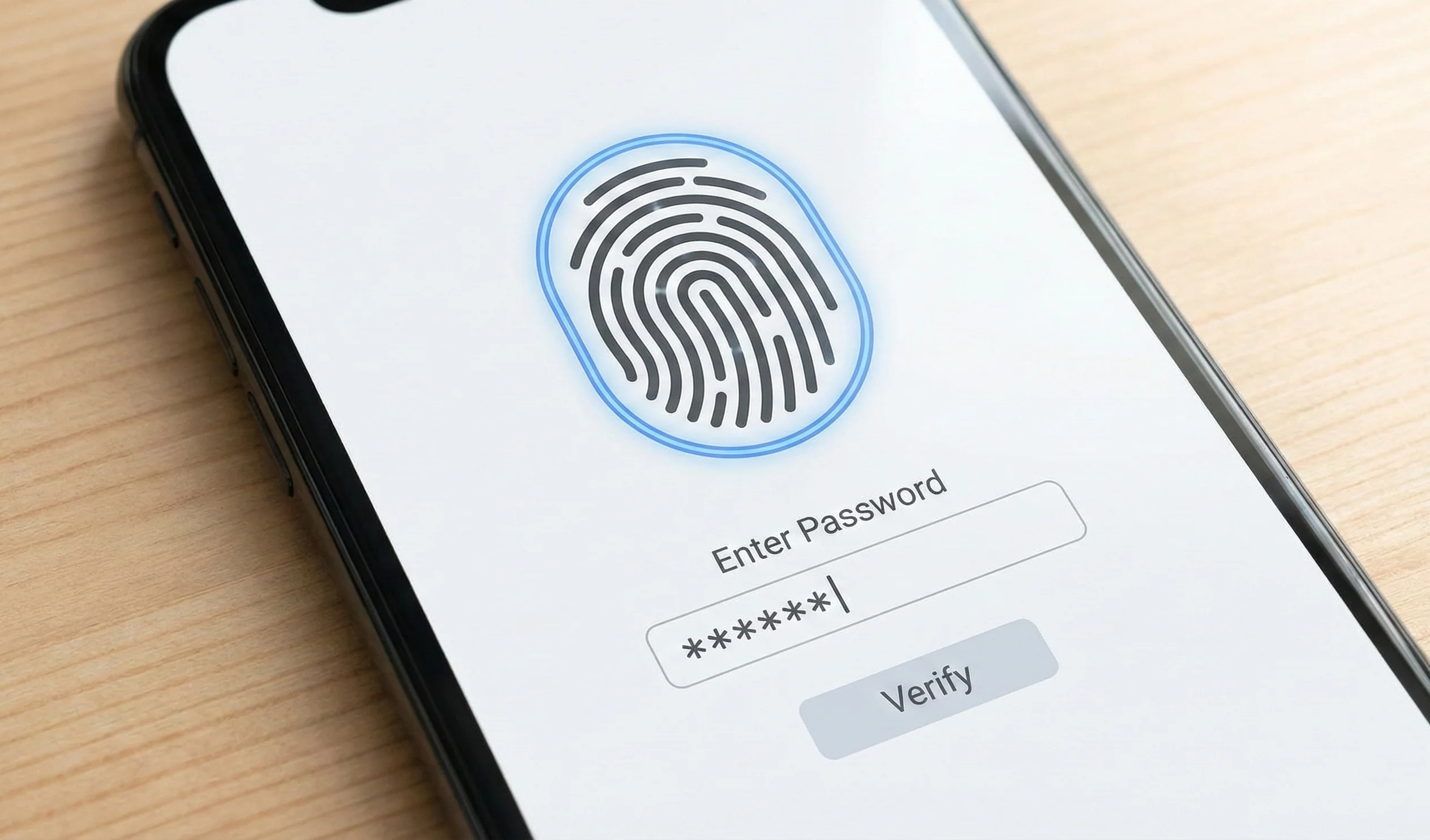
Multi-Factor Authentication combines two or more methods—something you know (password), something you have (OTP), and something you are (biometrics). For example, a phone may require both a fingerprint and a password for login.
Benefits of MFA
- Much stronger security
- Harder for attackers to break
- Balances convenience and protection
- Reduces risk of unauthorized access
Which One Is Better? Final Comparison
There is no single perfect solution. Each method has strengths and weaknesses. Biometrics offer better security and ease, while passwords remain budget-friendly and widely compatible.
In many cases, the best approach is a combination of both—using biometrics for speed and convenience, and passwords as an extra layer of protection.
Conclusion
Biometrics and passwords both play important roles in digital authentication. Biometrics are more secure and convenient but come with higher costs and privacy concerns. Passwords are familiar and simple but easier to hack and misuse.
Choosing the right method depends on your system’s needs, security level, user base, and budget. For many businesses and apps, using both through MFA offers the best balance of safety and user experience.



