
In today’s digital world, computers, smartphones, and tablets are more powerful than ever. Yet many users experience slow performance, unnecessary pop-ups, reduced storage space, and unexplained background activity. In most cases, the root cause is bloatware. Understanding what is bloatware, how it gets onto devices, and how to remove it is essential for maintaining system performance, security, and privacy.
This comprehensive guide explains what is a bloatware, why it exists, the risks it creates, and how users can safely remove and prevent bloatwares from cluttering their devices.
What Is Bloatware?

Bloatware refers to unwanted software that is installed on a device without the user’s explicit need or long-term intention to use it. These programs often consume system resources, slow down performance, and sometimes expose users to privacy and security risks.
When people ask what is bloatware, the simplest explanation is this: it is software that adds little to no value but occupies storage space, runs in the background, and affects device efficiency.
Bloatware can appear in many forms, including trial software, pre-installed applications, advertising tools, and bundled programs hidden inside free downloads. Some users also refer to it incorrectly as blotware, but the meaning remains the same.
What Is a Bloatware and Why Does It Exist?

To understand what is a bloatware, it helps to know why it exists in the first place. Software developers and hardware manufacturers often partner with third-party companies to pre-install applications on devices. These companies pay for placement, hoping users will continue using or upgrade the software.
In many cases, users are unaware these applications exist or forget to remove them after initial setup. Over time, bloatwares accumulate and create unnecessary system load.
Common reasons bloatware exists include:
- Revenue generation for manufacturers
- Marketing trial versions of paid software
- Partnerships between device makers and software vendors
- Monetization through advertising or data collection
Types of Bloatware
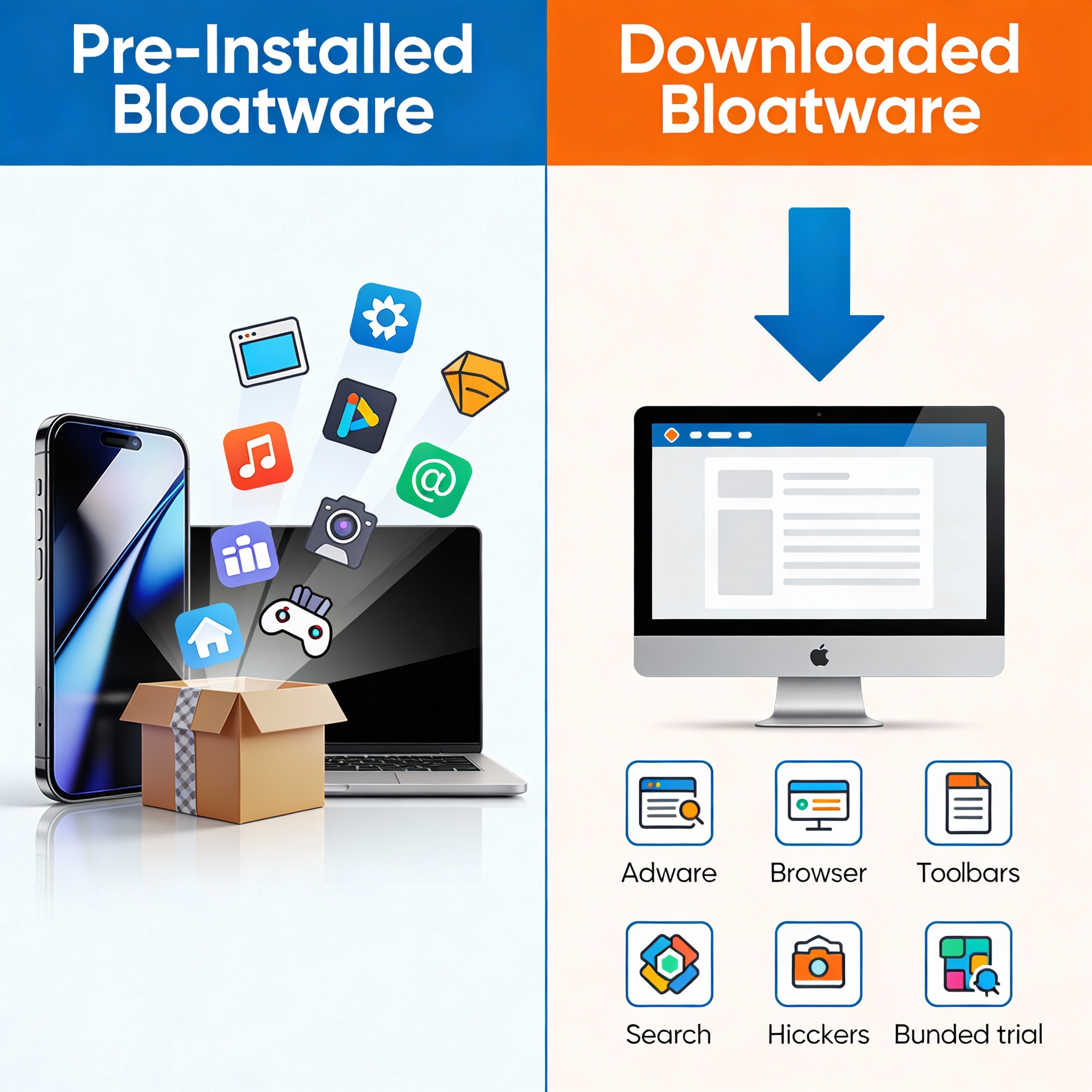
Bloatware can generally be categorized into two main types based on how it gets onto a device.
Pre-Installed Bloatware
Pre-installed bloatware comes already loaded on new computers, smartphones, tablets, and laptops. These applications are installed by manufacturers before the device reaches the consumer.
Examples include:
- Trial versions of productivity software
- Media players and games
- System utilities with limited functionality
- Manufacturer-branded apps
While some pre-installed apps may seem useful initially, many remain unused and continue running background services. Over time, this contributes to slower boot times, laggy performance, and reduced storage availability.
Many users asking what is bloatware are surprised to learn that most of it arrives on their devices before they even turn them on.
Also Read: What Is Spear Phishing? Definition and Risks
Downloaded and Bundled Bloatware
Downloaded bloatware appears when users install free software from websites. These programs are often bundled with additional applications that install automatically unless the user manually deselects them during installation.
This form of bloatware is particularly dangerous because it often includes:
- Adware
- Tracking software
- Browser toolbars
- Search engine hijackers
Some bloatwares disguise themselves as helpful utilities but perform unwanted actions behind the scenes.
Common Forms of Bloatware
Adware
Adware is one of the most widespread types of bloatware. It displays intrusive ads, pop-ups, banners, and redirects. While adware may not always be malicious, it degrades user experience and often collects browsing data.
Adware can:
- Slow down browsers
- Track user activity
- Redirect search results
- Increase exposure to malicious websites
Trojan-Based Bloatware
Some bloatwares masquerade as legitimate applications but secretly perform harmful activities. These programs may collect sensitive data, open backdoors, or download additional unwanted software.
This category blurs the line between bloatware and malware, making it especially dangerous for unsuspecting users.
Tracking and Data-Harvesting Software
Certain bloatwares are designed primarily to collect data. They monitor browsing behavior, app usage, and sometimes personal information. This data is often sold to advertisers or used for profiling.
Why Bloatware Is a Serious Problem
Many users dismiss bloatware as a minor annoyance, but the reality is more serious. Understanding what is bloatware also means recognizing the risks it introduces.
Performance Issues
Bloatwares consume memory, processing power, and storage space. As they accumulate, devices become slower, applications take longer to open, and multitasking becomes difficult.
Security Risks
Some bloatwares connect to external servers, increasing attack surfaces for cybercriminals. Vulnerable or outdated bloatware can be exploited to inject malware into a system.
Privacy Concerns
Many bloatwares collect user data without clear consent. This can include browsing habits, location data, and system information.
Reduced Device Lifespan
Continuous background processes increase wear on hardware components, especially in mobile devices, leading to battery drain and overheating.
How to Identify Bloatware on Your Device
Before removal, it is important to identify bloatwares correctly. Common signs include:
- Applications you do not remember installing
- Frequent pop-ups or advertisements
- Slower system performance
- Unusual background activity
- Reduced storage space
Checking installed programs regularly helps users understand what is a bloatware on their specific device.
How to Remove Bloatware Safely
Removing bloatware can significantly improve performance, but it must be done carefully to avoid removing essential system components.
Manual Removal
Manual removal involves uninstalling unwanted applications through system settings. This method works well for obvious bloatwares like trial software or unused apps.
Steps generally include:
- Reviewing installed programs
- Identifying unused or suspicious applications
- Uninstalling them through system tools
However, some bloatwares resist manual removal or reinstall themselves after reboot.
Using Specialized Removal Tools
Dedicated bloatware removal tools help identify and eliminate stubborn applications. These tools often use community feedback and behavior analysis to determine which programs are unnecessary.
They provide:
- Safer identification of bloatwares
- Batch removal options
- Reduced risk of removing essential software
Preventing Bloatware in the Future
Prevention is the most effective strategy. Once users understand what is bloatware, they can take steps to avoid it altogether.
Be Careful During Installations
Always choose custom installation options and read each prompt carefully. Deselect bundled software whenever possible.
Download From Trusted Sources
Avoid unofficial download portals and third-party websites that bundle software with hidden installers.
Review New Devices Immediately
Remove unnecessary pre-installed apps as soon as you set up a new device.
Keep Systems Updated
Regular updates patch vulnerabilities that bloatwares exploit.
Best Practices for Long-Term Protection
- Regularly audit installed applications
- Avoid clicking misleading ads
- Limit browser extensions
- Monitor startup programs
- Practice cautious digital behavior
These habits significantly reduce the risk of bloatwares returning.
Why Bloatware Awareness Matters
As digital ecosystems grow more complex, software clutter becomes inevitable. However, users who understand what is bloatware are better equipped to maintain secure, efficient systems.
Ignoring bloatwares can lead to long-term issues, including data exposure and system instability. Proactive management ensures smoother performance and enhanced privacy.
Conclusion
Bloatware is more than just an inconvenience. It slows devices, exposes users to security threats, and compromises privacy. Understanding what is bloatware, recognizing its forms, and knowing how to remove it empowers users to take control of their digital environment.
With careful installation practices, regular system checks, and informed decision-making, bloatwares can be minimized or eliminated entirely. A clean system is not just faster—it is safer, more reliable, and better suited for modern digital life.
FAQs
What is bloatware in simple terms?
Bloatware is unwanted software that consumes resources without providing meaningful benefits.
Is bloatware harmful?
Some bloatwares are merely annoying, while others pose serious security and privacy risks.
Can bloatware slow down my device?
Yes. Bloatwares consume memory, processing power, and storage, leading to reduced performance.
Is it safe to remove pre-installed apps?
Most unused pre-installed apps can be safely removed, but core system apps should be left untouched.
How often should I check for bloatwares?
A periodic review every few months helps keep your device clean and optimized.



