
Cybersecurity threats are increasing every year. Data breaches, phishing attacks, and account takeovers are now common across industries and platforms. For a long time, passwords were considered enough to protect online accounts. However, weak passwords, password reuse, and leaked credentials have made password-only security unreliable.
Two-Factor Authentication (2FA) was introduced to solve this problem. It adds an extra step to the login process, making it much harder for attackers to gain access—even if they know the password. This guide explains what 2FA is, how it works, its types, benefits, limitations, and best practices in a clear and structured way.
What Is Two-Factor Authentication (2FA)?
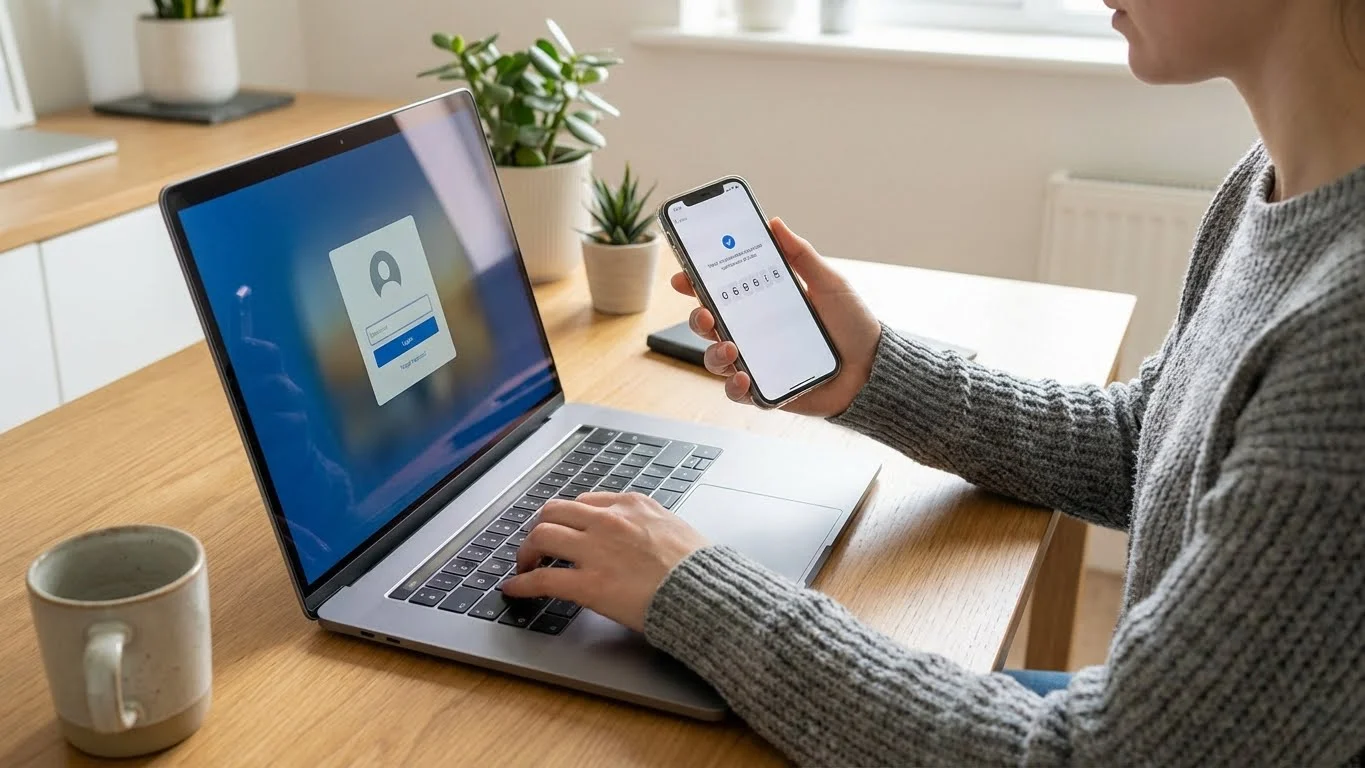
Two-Factor Authentication (2FA) is a security method that requires users to verify their identity using two different authentication factors before gaining access to an account or system.
Instead of relying only on a password, 2FA combines:
- One factor you know
- One factor you have or are
This approach significantly reduces the risk of unauthorized access.
How 2FA Works
Two-Factor Authentication follows a simple verification flow:
- The user enters their username and password
- The system verifies the password
- A second verification step is requested
- Access is granted only after the second factor is successfully verified
The second factor is generated dynamically or tied directly to the user, making it difficult for attackers to bypass.
2FA vs Single-Factor Authentication
Single-Factor Authentication relies on only one credential, usually a password. If that password is stolen or guessed, the account is compromised.
Key differences include:
- Single-factor authentication uses only one layer of protection
- 2FA adds a second independent verification step
- 2FA significantly lowers the success rate of phishing and credential-stuffing attacks
- Password-only security cannot protect against reused or leaked passwords
Why Two-Factor Authentication Is Important
Two-Factor Authentication has become essential due to the rise in cybercrime and data breaches. Passwords alone cannot defend against modern attack methods.
2FA is important because:
- Stolen passwords are widely available through data breaches
- Phishing attacks often trick users into sharing credentials
- Malware can capture keystrokes and saved passwords
- 2FA prevents access even if the password is compromised
For businesses, 2FA helps protect sensitive data, customer information, and internal systems. For individuals, it protects personal accounts such as email, banking, and social media.
Types of Two-Factor Authentication
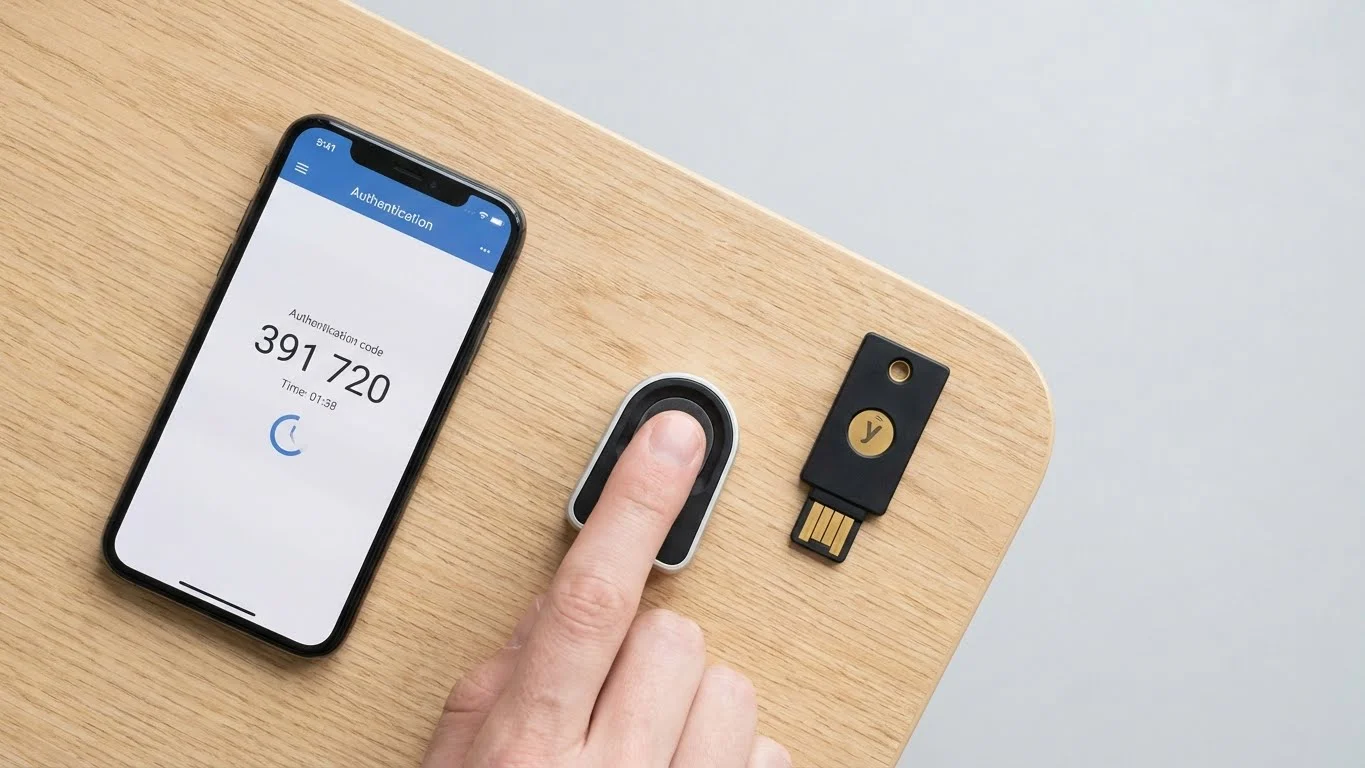
Two-Factor Authentication is based on three main categories of authentication factors.
Knowledge-Based Factors (Something You Know)
These are credentials that the user memorizes.
- Passwords
- Personal Identification Numbers (PINs)
- Answers to security questions
These factors are easy to use but vulnerable if shared or guessed.
Possession-Based Factors (Something You Have)
These rely on a physical or digital item owned by the user.
- One-Time Passwords (OTP) sent via SMS
- Authentication apps that generate time-based codes
- Hardware security tokens or USB keys
Possession-based factors are harder to compromise remotely.
Inherence-Based Factors (Something You Are)
These are biometric characteristics unique to the user.
- Fingerprint scans
- Facial recognition
- Voice recognition
Biometric factors provide strong identity verification and are difficult to replicate.
Common 2FA Methods Explained
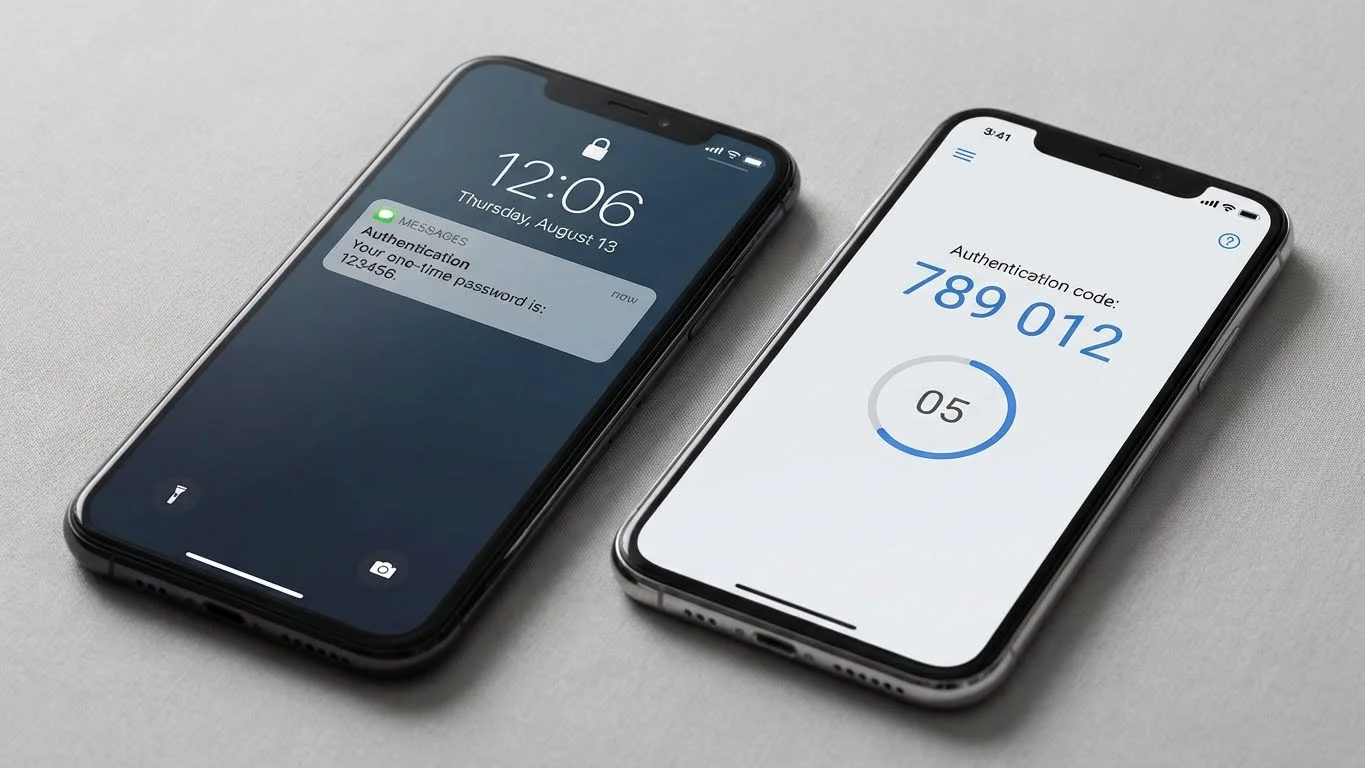
SMS-Based Authentication
SMS-based 2FA sends a one-time code to the user’s registered mobile number.
- The code is valid for a short time
- The user must enter it to complete login
- Widely used due to simplicity
However, SMS-based 2FA is vulnerable to SIM swapping and interception.
Authentication Apps
Authentication apps generate time-based one-time passwords (TOTP) on the user’s device.
- Codes refresh every 30–60 seconds
- Works without internet access
- More secure than SMS-based 2FA
These apps reduce risks associated with mobile networks.
Email-Based Verification
Email-based 2FA sends a verification code or login link to the registered email address.
- Easy to implement
- Useful as a secondary layer
- Depends heavily on email account security
If the email account is compromised, this method becomes ineffective.
Hardware Tokens
Hardware tokens are physical devices that generate or store authentication codes.
- USB security keys
- Smart cards
- Dedicated OTP generators
They are commonly used in enterprise and high-security environments.
Biometric Authentication
Biometric 2FA uses physical traits to confirm identity.
- Fast and user-friendly
- No passwords or codes required
- Reduces phishing risks
Privacy and data storage concerns must be handled carefully.
Benefits of Two-Factor Authentication

Two-Factor Authentication offers strong security advantages for both individuals and organizations.
Key benefits include:
- Enhanced protection against unauthorized access
- Reduced impact of stolen or leaked passwords
- Better defense against phishing attacks
- Increased user trust and confidence
- Compliance with security and data protection standards
2FA significantly improves overall account security without complex infrastructure.
Use Cases of Two-Factor Authentication
Two-Factor Authentication is widely used across industries and platforms.
Common use cases include:
- Online banking and financial transactions
- Email and communication platforms
- Corporate systems and remote employee access
- E-commerce platforms and payment gateways
- Cloud services and SaaS tools
Each use case benefits from reduced risk of account compromise.
Challenges and Limitations of 2FA
While effective, 2FA is not without challenges.
Common limitations include:
- Additional login steps may reduce user convenience
- Dependence on mobile devices or hardware tokens
- Risk of SIM swapping with SMS-based 2FA
- Implementation and management complexity for businesses
Choosing the right 2FA method helps minimize these challenges.
Best Practices for Using Two-Factor Authentication
To maximize security, 2FA should be implemented carefully.
Best practices include:
- Prefer authentication apps or hardware tokens over SMS
- Enable backup authentication methods
- Secure recovery options properly
- Educate users about phishing and social engineering
- Regularly review and update security settings
These practices ensure strong protection without disrupting usability.
Two-Factor Authentication vs Multi-Factor Authentication (MFA)
Two-Factor Authentication uses exactly two verification factors. Multi-Factor Authentication (MFA) uses two or more factors.
Key differences include:
- 2FA always uses two factors
- MFA can use two, three, or more factors
- MFA offers higher security for sensitive systems
- 2FA is simpler and easier to deploy
Organizations choose based on risk level and compliance needs.
How to Enable Two-Factor Authentication
Enabling 2FA generally follows a standard process.
Steps include:
- Access account security settings
- Select a preferred 2FA method
- Register the device or biometric data
- Verify the setup with a test login
For businesses, employee onboarding and clear documentation are essential for smooth adoption.
Conclusion
Two-Factor Authentication has become a critical defense against modern cyber threats. By requiring two independent verification factors, it significantly reduces the risk of unauthorized access. While it has some limitations, its benefits far outweigh the challenges.
For individuals and businesses alike, enabling 2FA is one of the simplest and most effective ways to improve security. As cyber risks continue to grow, adopting strong authentication practices is no longer optional—it is essential.



