
Fingerprint image capture is a fundamental process in biometric systems used for identification and verification. Whether it is for attendance systems, access control, banking authentication, or government records, the quality of the captured fingerprint image directly affects system accuracy and reliability. A clear and well-captured fingerprint image ensures correct matching, reduces errors, and improves overall system performance. This guide explains how fingerprint images are captured, the technologies involved, best practices, and common challenges, helping you understand the process in a simple and structured way.
What Is Fingerprint Image Capture?
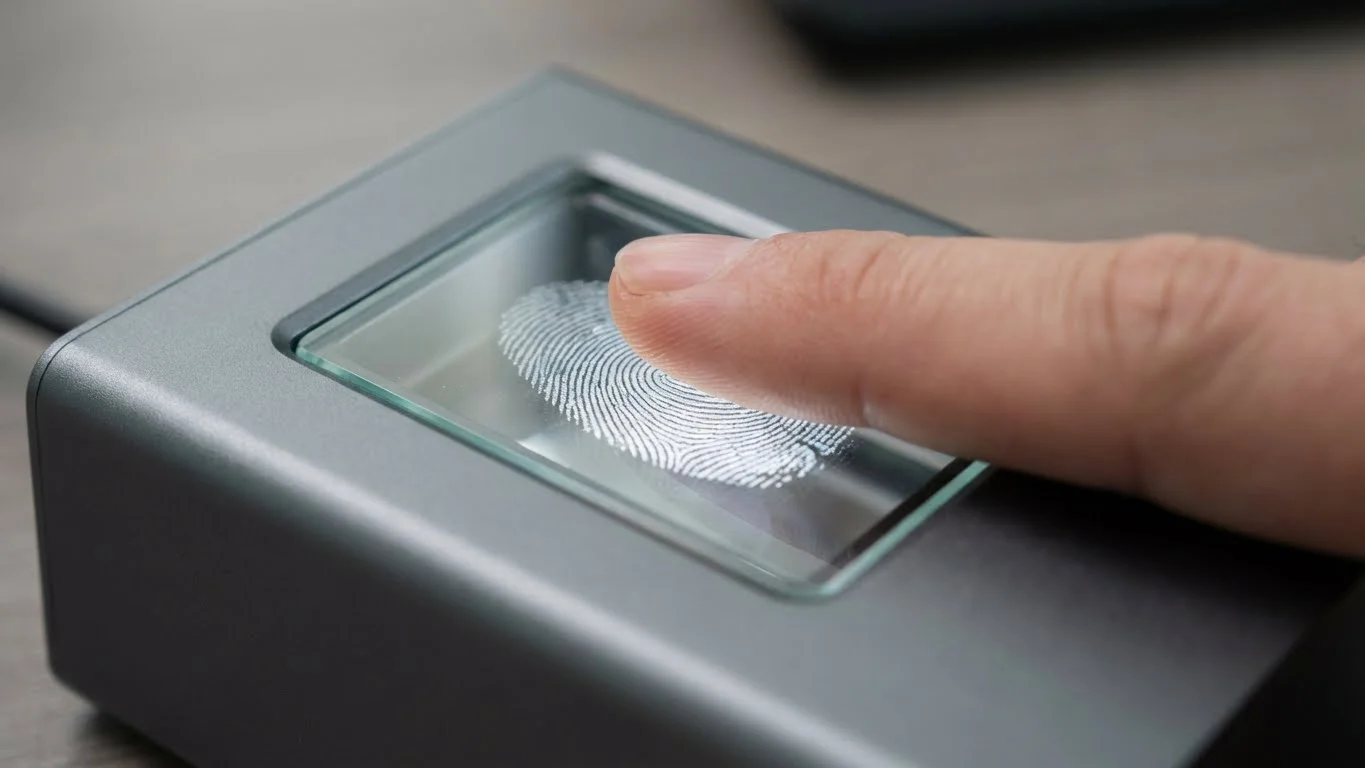
Fingerprint image capture is the process of digitally recording the unique ridge and valley patterns present on a person’s fingertip using a fingerprint scanner or sensor. The captured image serves as the raw visual data used for biometric processing.
Fingerprint images are different from fingerprint templates. An image is a visual representation, while a template is a processed and compressed version created from the image for matching purposes. The clarity of ridges, valleys, and overall fingerprint area in the image plays a critical role in how accurately a system can later recognize the fingerprint.
Why Is Capturing a High-Quality Fingerprint Image Important?
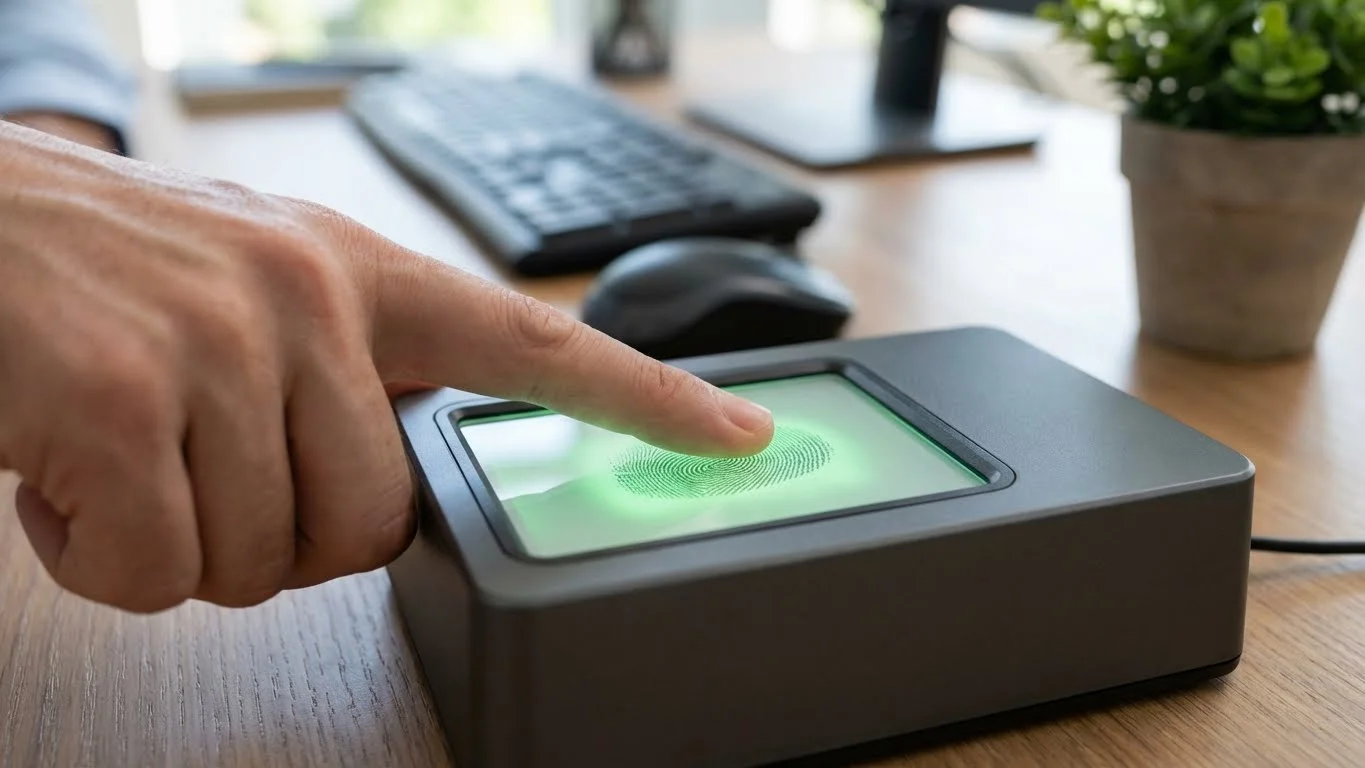
High-quality fingerprint images are essential because biometric systems rely on precise details to function correctly. Poor image quality can lead to errors, mismatches, or failed authentication.
- Improves accuracy during fingerprint matching and verification
- Reduces false rejections and false acceptances
- Enhances security by ensuring reliable identity verification
- Ensures consistency across repeated fingerprint scans
- Helps meet required biometric performance expectations
Types of Fingerprint Image Capture Methods
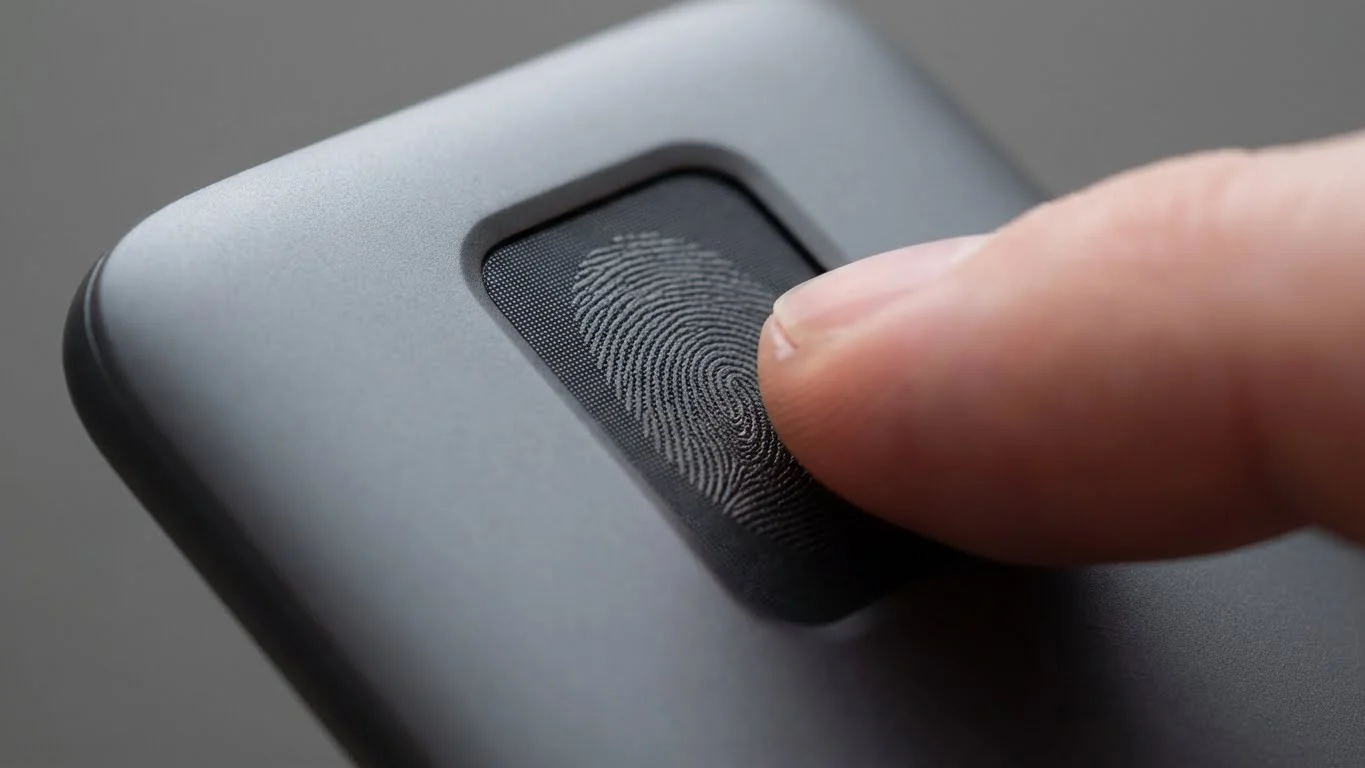
Different technologies are used to capture fingerprint images. Each method works differently and is suitable for specific use cases.
Optical Fingerprint Capture
Optical fingerprint capture uses light to photograph the fingerprint surface.
- Uses a light source and camera to capture the fingerprint image
- Commonly used in office and institutional biometric systems
- Produces clear images when fingers are clean and properly placed
- Performance can be affected by dirt, moisture, or excessive pressure
Capacitive Fingerprint Capture
Capacitive scanners detect electrical differences between ridges and valleys.
- Uses an array of tiny capacitors to map fingerprint patterns
- Commonly found in smartphones and compact access devices
- Works well for dry and moderately moist fingers
- Less effective for extremely dry or damaged skin
Ultrasonic Fingerprint Capture
Ultrasonic fingerprint capture uses sound waves to scan the fingerprint.
- Sends ultrasonic pulses that reflect off fingerprint ridges
- Captures detailed fingerprint images, including sub-surface features
- Works well even with dirt, moisture, or partial contact
- Commonly used in advanced and high-security systems
Thermal Fingerprint Capture
Thermal scanners detect temperature differences between ridges and valleys.
- Measures heat transfer from the finger to the sensor
- Can capture images quickly
- Sensitive to environmental temperature conditions
- Less commonly used compared to other technologies
Key Components Required to Capture Fingerprint Images
Fingerprint image capture requires both hardware and software working together.
- Fingerprint scanner or sensor for image acquisition
- Image capture and processing software
- Computer, controller, or embedded system
- Power supply and data connectivity
- Secure storage mechanism for saved images
Step-by-Step Process to Capture a Fingerprint Image
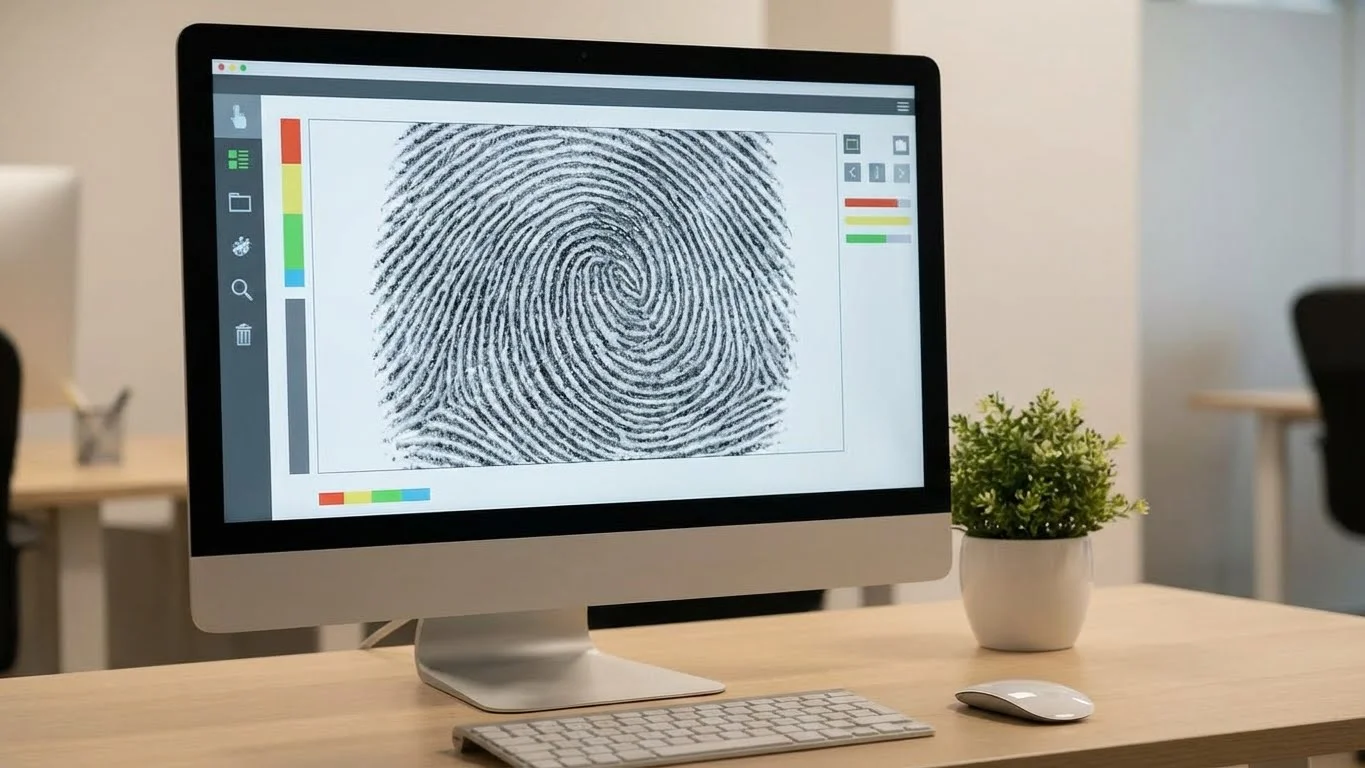
Step 1: Preparing the Finger and Scanner
Before capturing the fingerprint image, both the finger and scanner must be prepared. Clean fingers and a clean sensor surface help prevent smudges and unclear images.
- Ensure the finger is clean and dry
- Wipe the scanner surface to remove dust or oil
- Avoid lotions or excessive moisture before scanning
Step 2: Proper Finger Placement
Correct finger placement ensures that the full fingerprint area is captured.
- Place the finger flat on the scanner surface
- Align the finger according to scanner guidelines
- Apply gentle and even pressure
Step 3: Capturing the Fingerprint Image
Once the finger is positioned correctly, the scanner captures the image.
- Initiate the scan using the device or software
- Keep the finger steady during capture
- Wait for confirmation or feedback from the system
Step 4: Reviewing Image Quality
After capture, the image should be reviewed to ensure clarity and completeness.
- Check visibility of ridges and valleys
- Ensure the fingerprint area is not cut off
- Retake the scan if the image is blurred or incomplete
Step 5: Saving and Storing the Fingerprint Image
Once approved, the fingerprint image is stored securely.
- Save in supported image formats used by biometric systems
- Store data in secure and encrypted systems
- Follow organizational data handling policies
Best Practices for Capturing High-Quality Fingerprint Images
Following best practices helps achieve consistent and accurate results.
- Use consistent finger pressure during capture
- Guide users on correct finger placement
- Handle dry fingers by asking users to gently rub fingers together
- Handle wet fingers by drying them before scanning
- Avoid scanning in dusty or overly humid environments
Common Challenges in Fingerprint Image Capture
Fingerprint capture can face challenges due to user, environmental, or device-related factors.
- Smudged or blurred images caused by movement
- Partial fingerprints due to incorrect placement
- Worn or damaged fingerprints from manual labor
- Sensor wear, scratches, or calibration issues
How to Improve Fingerprint Image Quality
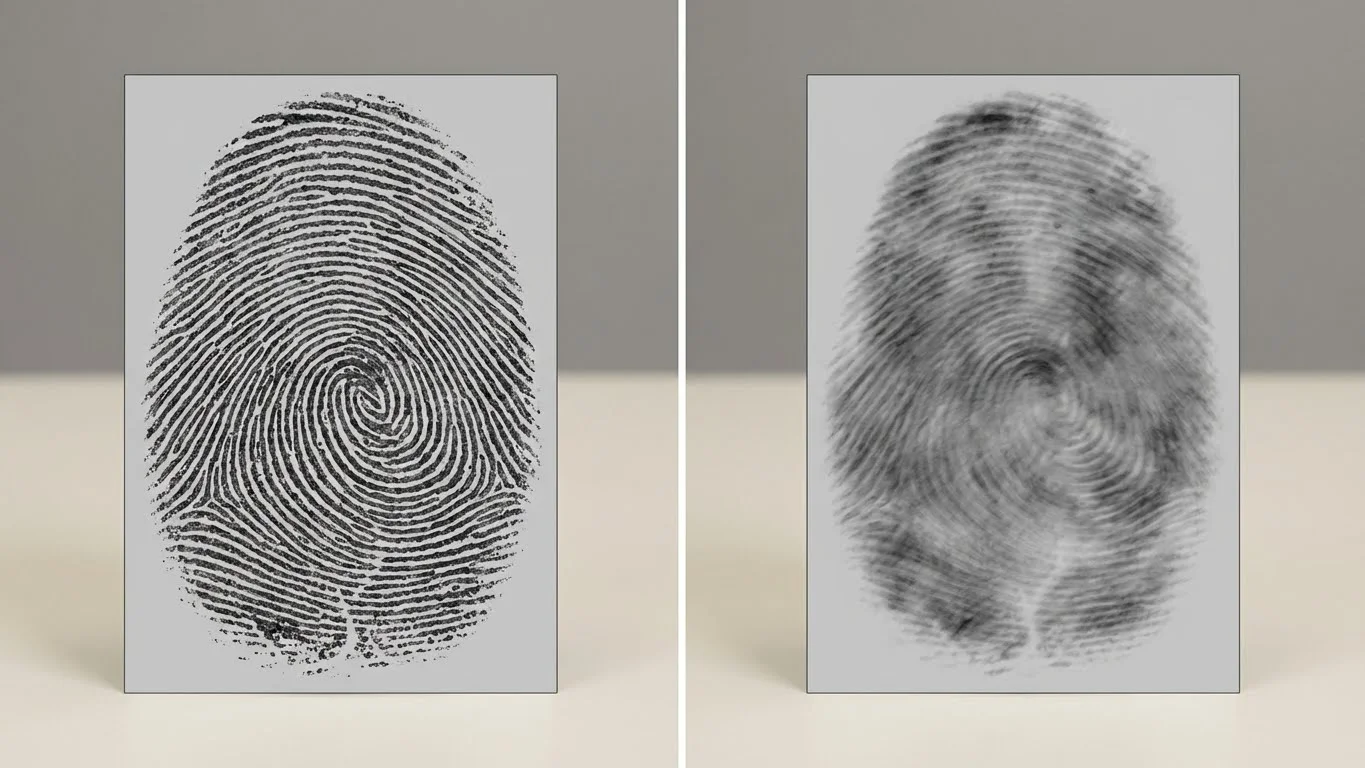
Improving fingerprint image quality often involves both technical adjustments and user guidance.
- Capture multiple scans and select the best image
- Adjust scanner sensitivity or resolution settings
- Use image enhancement features if available
- Provide clear instructions to users during scanning
Fingerprint Image Quality Standards and Compliance
Fingerprint image quality standards help ensure interoperability and reliability across systems.
- Define minimum image resolution and clarity requirements
- Establish consistency across different devices and systems
- Enable reliable matching and verification
- Support large-scale biometric deployments
Fingerprint Image Capture in Different Applications
Fingerprint image capture is widely used across various sectors due to its reliability and ease of use.
- Access control systems for restricted areas
- Attendance and workforce management systems
- Law enforcement and forensic identification
- Banking and financial authentication
- Healthcare and government identity systems
Security and Privacy Considerations
Fingerprint images are sensitive personal data and must be protected properly.
- Use encryption during image storage and transmission
- Limit access to authorized personnel only
- Obtain user consent before fingerprint enrollment
- Follow applicable data protection regulations
Troubleshooting Fingerprint Image Capture Issues
Common issues can usually be resolved with simple checks and adjustments.
- Verify scanner connectivity and power
- Clean the sensor surface regularly
- Update or reinstall scanner drivers and software
- Re-enroll fingerprints if repeated failures occur
Conclusion
Capturing a fingerprint image is a critical step in any biometric system, as it directly impacts identification accuracy, security, and user experience. By understanding how fingerprint capture works, using the right technology, following best practices, and addressing common challenges, organizations can ensure reliable and efficient biometric operations. As fingerprint technology continues to advance, proper image capture will remain the foundation of secure and effective biometric authentication systems.



