
Summary
A VPN, short for Virtual Private Network, creates an encrypted “tunnel” between your device and the internet. By masking your IP address and securing data in transit, a VPN enhances privacy on public Wi-Fi, helps mitigate tracking, enables safer remote access to company resources, and can provide access to region-restricted content. This guide explains VPN full form, what is VPN, how it works under the hood, common types, practical benefits, legal context, and smart setup tips. You will also find clear answers to what is VPN network and what is VPN used for in everyday life.
VPN Full Form and Plain-English Definition
VPN full form is Virtual Private Network. In simple terms, a VPN is a service that encrypts your internet traffic and routes it through a secure server operated by the VPN provider or your organization. The result is a protected connection that hides your real IP address from websites, advertisers, and anyone eavesdropping on the network. When people ask what is VPN, the most accurate short answer is: it is a privacy and security layer for your online activity, designed to reduce exposure of your identity and data while you browse, stream, shop, or work online.
What Is a VPN Network?
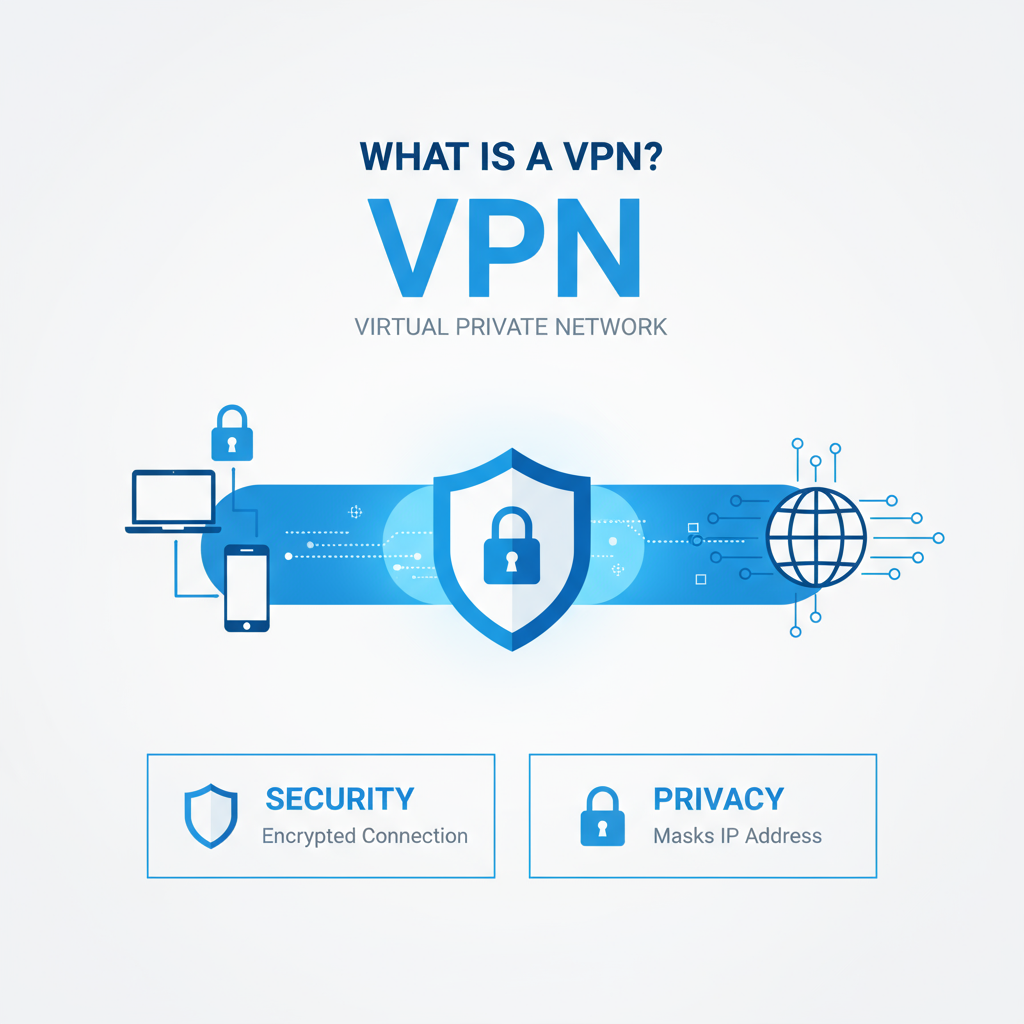
A VPN network is the virtual pathway created when your device connects to a VPN server and establishes an encrypted session. From that moment, your data moves inside a protected tunnel. Anyone attempting to watch traffic on the local network or at your internet service provider sees only encrypted packets. The destination sites typically see the VPN server’s IP address rather than your home or mobile IP. This separation between you and the open internet is what gives a VPN its privacy characteristics.
Key traits of a VPN network:
- Traffic is encrypted in transit so it cannot be read by casual snoopers on public Wi-Fi.
- The visible IP address changes to the VPN server’s address, which can be in another region.
- Policies and technologies like DNS leak protection, kill switches, and strong protocols help keep the tunnel intact and private.
How a VPN Works Under the Hood
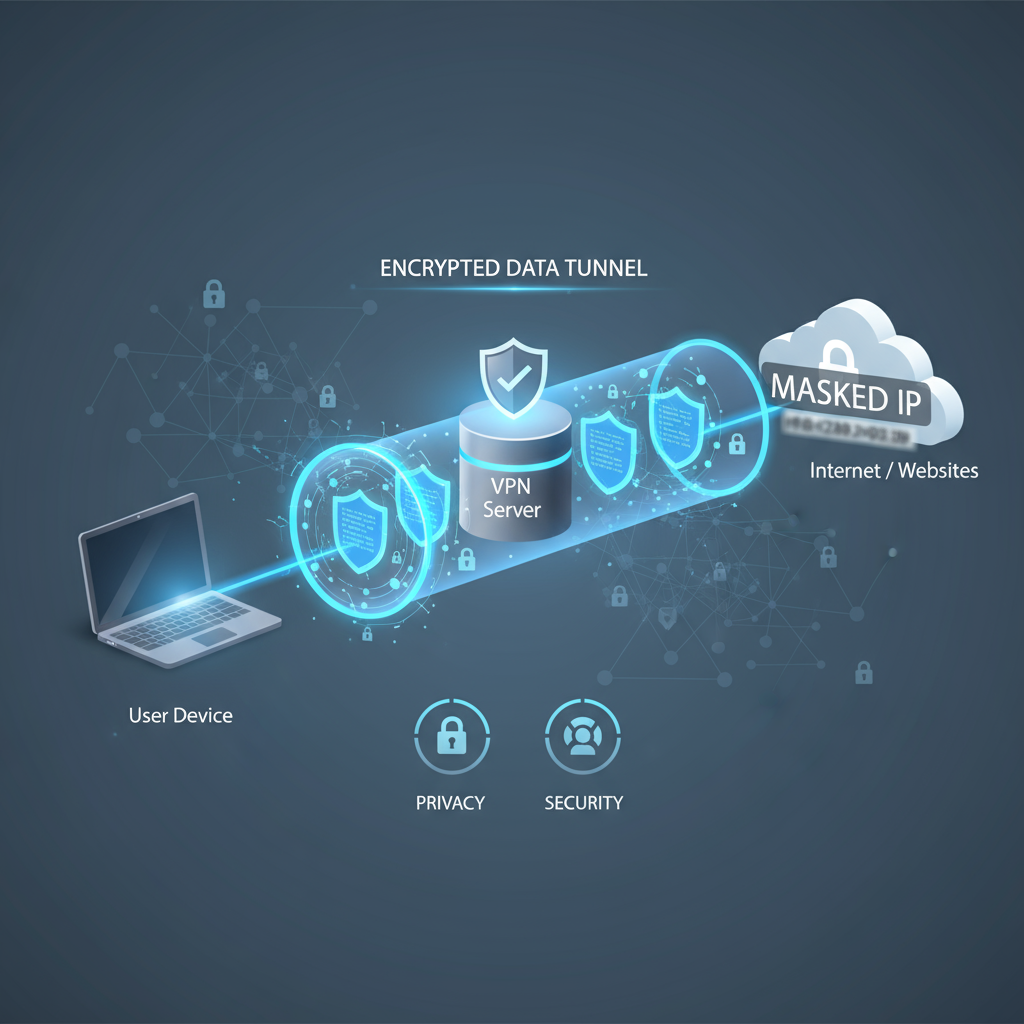
Understanding what is VPN is easier once you visualize the steps your device follows.
Session creation
Your VPN app, also called a client, authenticates to a chosen VPN server. The server and client agree on cryptographic parameters and create keys for the session. Once established, the client sends and receives traffic through this secure tunnel.
Encryption and tunneling
Before any data leaves your device, it is wrapped with encryption using a modern protocol. The encrypted packets travel to the VPN server, which decrypts them and forwards requests to websites or online services. Return traffic follows the same path in reverse, being re-encrypted and sent back to your device.
IP masking and routing
To the outside world, your traffic appears to originate from the VPN server’s IP address. This IP masking reduces the ability of sites and networks to associate activity with your actual connection. It also allows location flexibility when you connect to servers in different countries.
What your ISP and others can see
Your provider can typically see that you are connected to a VPN server and the amount of data transferred, but not the content of your browsing or the specific sites you visit, because that content is encrypted in transit.
Performance considerations
Encryption and extra routing can introduce overhead. Well-implemented services reduce the impact through efficient protocols, strong infrastructure, and server locations close to you. Choosing the right protocol and server can significantly improve speed and stability.
Why You Might Need a VPN
People often ask what is VPN used for and whether it is necessary for everyday browsing. Common reasons include:
Privacy from trackers
Without a VPN, your traffic flows through networks that can log requests, associating them with your IP. A VPN reduces the visibility of your activity to network operators and some advertisers.
Safer public Wi-Fi
Open hotspots in airports, cafés, hotels, and transport hubs are convenient but risky. A VPN encrypts your connection so eavesdroppers on the same network cannot read your data in transit.
Access to remote resources
Remote employees often need to reach internal tools or files. A VPN can provide a secure path into a company’s network, treating your device as if it were on site.
More consistent experiences while traveling
When you are abroad, some services change behavior based on location. A VPN server in your home region can help maintain familiar access patterns, subject to local laws and service terms.
Mitigating bandwidth throttling
Some providers slow certain categories of traffic. Encrypting and tunneling can make it harder to classify your usage, which may reduce targeted throttling in some circumstances.
Core Benefits of a VPN
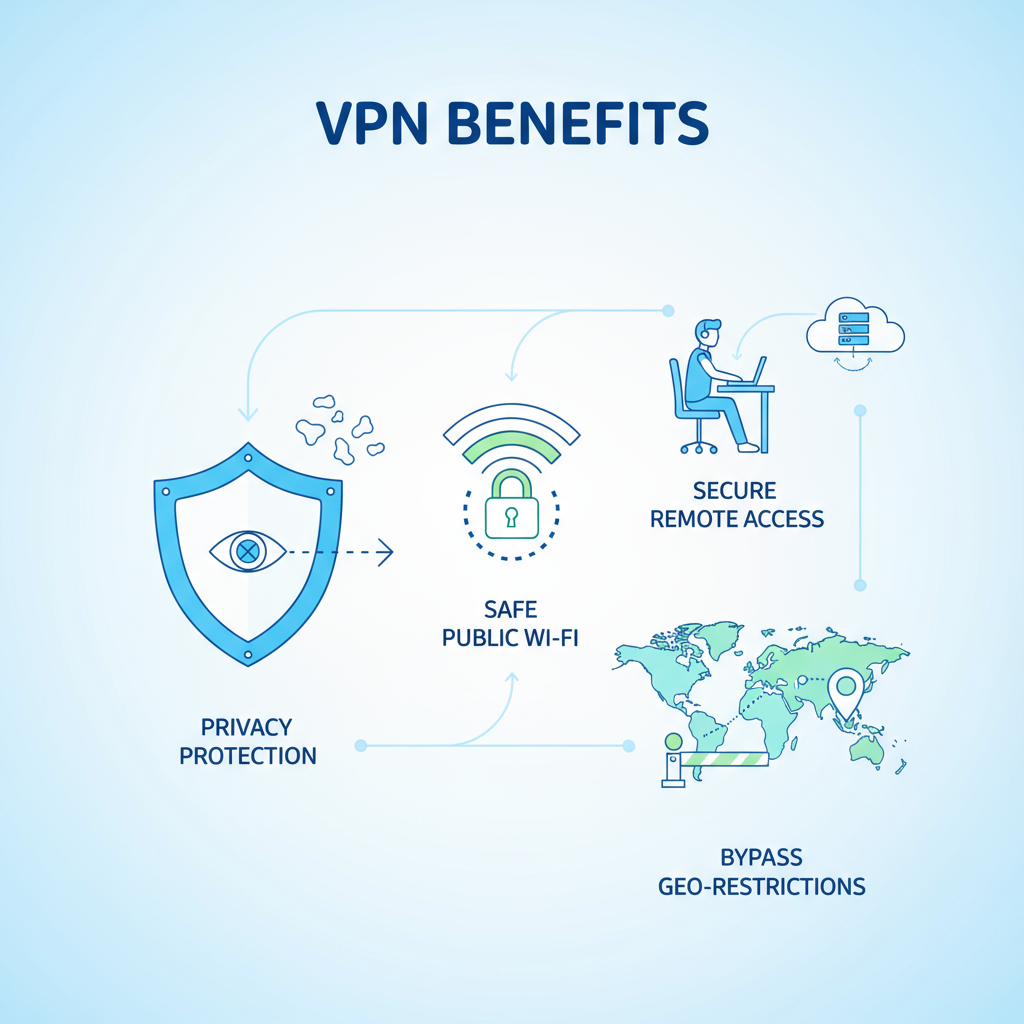
If you are evaluating what is VPN used for, these practical benefits stand out:
Encryption of data in transit
A VPN protects the confidentiality of information you send and receive, making it unreadable to casual interception on shared networks.
IP and location masking
Sites and services see the VPN server’s IP, not yours. This masks your general location and can reduce profiling.
Safer remote work
A well-configured VPN gives secure access to company resources, file shares, and dashboards, with policies controlling who can connect and what they can reach.
More control over content access
Some services present different libraries by region. A VPN can route you through another location, which may influence what is available, subject to the service’s policies and local regulations.
Basic protection against certain attacks
Hiding your real IP can reduce exposure to some targeted harassment or direct network probing, especially in gaming or streaming contexts.
Limitations You Should Know
A VPN is a powerful privacy tool, but it is not a cure-all. It does not remove malware from an already infected device, does not prevent you from entering credentials on phishing pages, and cannot protect information you voluntarily give to a site. Good security hygiene remains essential: keep systems updated, use strong unique passwords, enable multi-factor authentication, and verify sites before entering sensitive data.
Types of VPN and Where They Fit
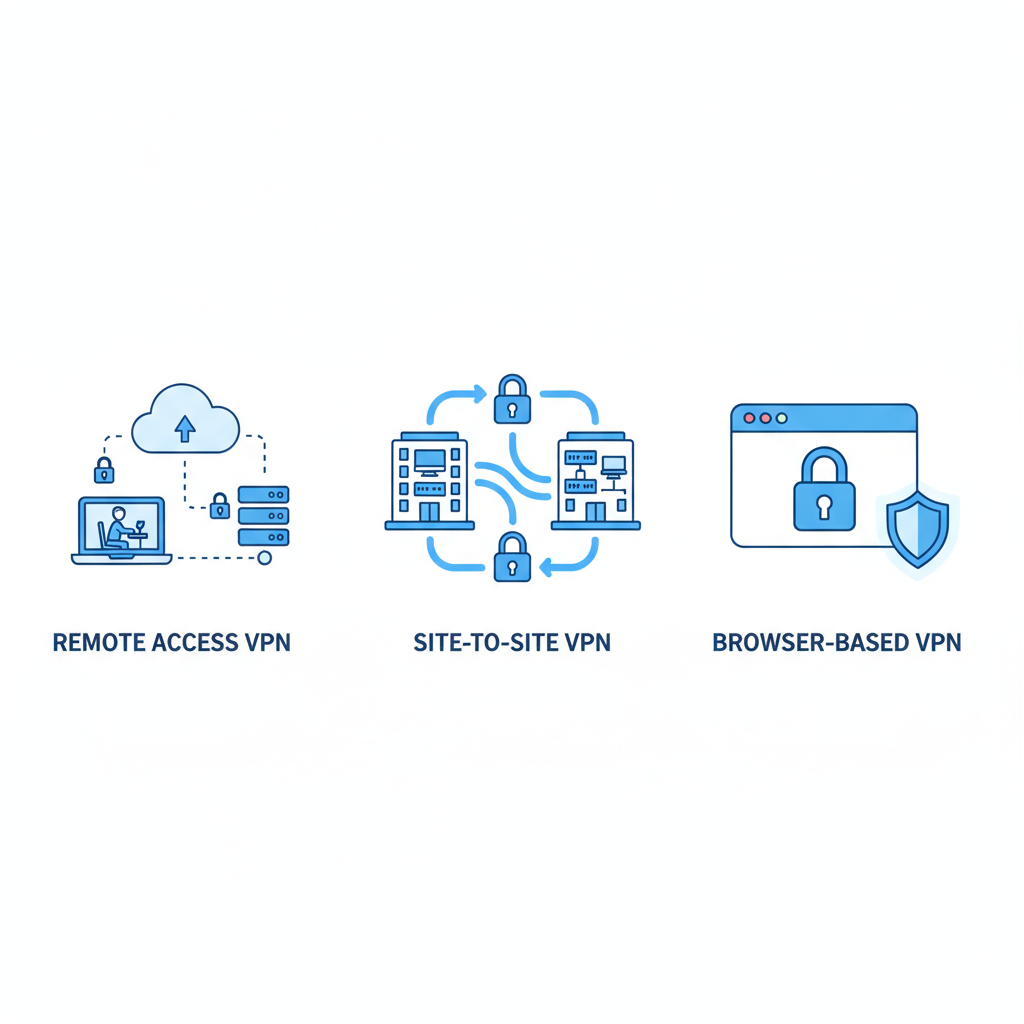
Remote Access or Client-to-Server VPN
A user device runs a VPN client that connects to a provider or corporate server. This model is common for individuals securing public Wi-Fi and for employees connecting to company resources from home. It provides a full encrypted tunnel from the endpoint to the VPN server.
Site-to-Site VPN
Two or more networks, such as different office locations, are linked over the internet through encrypted gateways. Internal devices at one site can reach resources at another as if on the same private network. This is widely used in larger organizations to interconnect branches securely.
SSL or Browser-Based VPN
A web browser initiates a secure session to a gateway, typically granting access to specific internal web apps. It is useful when users need limited corporate access from personal devices without installing a full client.
Router-Level VPN
The VPN runs on your home or office router, extending protection to every device that uses that connection, including smart TVs and consoles. This approach offers convenience but requires compatible hardware and careful setup.
Also Read:What Are Biometric Applications? Types, Examples, and Use Cases
VPN Protocols in Brief
Protocols define how encryption and tunneling occur. Modern choices emphasize security, performance, and reliability. Many providers support multiple protocols so you can select the best combination for your device and network. While the specifics can be technical, the takeaway is simple: choose a provider that offers current, well-regarded protocols and keeps them updated.
A Short History of VPNs
Efforts to protect data on shared networks go back decades, starting with early research on secure communication for packet-switched networks. As the internet became public and widely used, standards emerged for authenticating and encrypting traffic between endpoints. Enterprise VPNs arrived first, enabling employees to connect to corporate networks from remote locations. Consumer VPN adoption accelerated as public Wi-Fi became ubiquitous and concerns about tracking and regional access grew.
Legal Considerations
In many countries, using a VPN is legal for privacy and security. Some jurisdictions restrict or regulate usage, and a few ban it outright. If you plan to rely on a VPN while traveling or living abroad, review local regulations and confirm that your intended usage complies with the law and with the terms of the services you access. A VPN should never be used to violate laws or the rights of others.
Choosing a Trustworthy VPN Provider
When evaluating services, look for the following:
Transparent privacy practices
Clear statements about what is and is not logged, backed by third-party audits or transparency reports, help you assess trustworthiness.
Modern security features
Support for strong protocols, protection against DNS and IP leaks, and a reliable kill switch that blocks traffic if the tunnel drops.
Usability and coverage
Stable apps for your platforms, easy server selection, automatic connection on untrusted networks, and a broad choice of locations.
Jurisdiction and audits
Where a provider operates and how it is governed can influence data handling. Independent security audits demonstrate commitment to verification.
Performance
Consistent speeds and low latency matter for streaming, video calls, and online gaming. Look for providers with robust infrastructure and nearby servers.
Installing and Using a VPN
Desktop and laptop apps
Most providers offer dedicated clients for major operating systems. Installation generally involves downloading the app, signing in, and selecting a server. Enable the kill switch, auto-connect on untrusted Wi-Fi, and choose a recommended protocol for balanced speed and security.
Browser extensions
Extensions can be convenient for browser-only traffic, but traffic from other apps is not covered. Use extensions from reputable providers, verify their authenticity, and understand the narrower protection scope.
Router setup
Installing a VPN on a router can protect all devices on your network. This is ideal for streaming boxes, smart TVs, and consoles. It requires a compatible router and careful configuration. Once running, it simplifies life because devices connect through the tunnel automatically.
Mobile devices
Modern apps make mobile setup straightforward. After installing, allow the VPN profile, enable auto-connect, and consider split tunneling to exclude trusted apps that require local access. Using a VPN on mobile is valuable because phones frequently connect to public networks and carry sensitive data.
Smart Practices for Safe Browsing with a VPN
- Enable the kill switch so your device does not revert to an unprotected connection if the tunnel drops.
- Turn on auto-connect for untrusted networks so encryption begins as soon as you join a hotspot.
- Keep your operating system and apps updated to reduce vulnerabilities.
- Use strong, unique passwords and multi-factor authentication for accounts that matter.
- Consider split tunneling when you need certain apps to use the local network while the rest goes through the VPN.
- Be mindful that a VPN does not validate websites; continue to avoid suspicious links and phishing pages.
Everyday Scenarios That Benefit From a VPN
Public Wi-Fi at cafés, airports, and hotels
A VPN encrypts your connection so other users on the same hotspot cannot read your traffic or capture sensitive data in transit.
Online shopping and banking
The tunnel adds a layer of protection against casual network snooping. Combine it with reputable sites, secure payment methods, and account protection features.
Streaming and traveling
Connecting through a server in your home region can provide more familiar access patterns when you are abroad, subject to platform policies and local rules.
Remote work
A company VPN can provide access to internal dashboards and file shares. Security teams can restrict access by role, enforce multi-factor authentication, and monitor for unusual activity.
Gaming and real-time communication
Masking your real IP can reduce exposure to nuisance traffic and may help against certain targeted disruptions, while performance depends on server proximity and quality.
FAQs
What is VPN used for in daily life?
It is used to enhance privacy on public and private networks, protect data in transit, access remote resources securely, reduce tracking, and in some cases influence regional experiences when traveling.
Does a VPN make me anonymous?
It improves privacy by masking your IP and encrypting traffic, but complete anonymity is not guaranteed. Sites can still identify logged-in accounts, browser fingerprints, or data you voluntarily provide.
Will a VPN slow my internet?
Encryption and routing can introduce some overhead. With modern protocols and nearby servers, many users experience minimal slowdown. Performance varies by provider, server quality, and distance.
Do I need a VPN on my phone?
Phones frequently connect to public networks and carry sensitive data. A mobile VPN can meaningfully improve privacy and security, especially on untrusted Wi-Fi.
Is using a VPN legal?
In many places it is legal for privacy and security. Some countries restrict or ban usage. Always follow local laws and the terms of the services you use.
What is VPN network in a company context?
It is the secure virtual overlay that connects remote users or entire offices to internal networks through encrypted gateways, enabling controlled access to resources.
Conclusion
When people ask what is VPN and what is VPN used for, the answer spans privacy, security, and flexibility. A Virtual Private Network encrypts traffic, masks your IP, and gives you greater control over how you appear online. Whether you are securing a laptop on café Wi-Fi, reaching company systems from home, or traveling and aiming for more consistent access, a VPN is a valuable layer in a modern security and privacy toolkit. It does not replace good habits or device protection, but it meaningfully reduces exposure on today’s complex, data-hungry internet.
By understanding how tunneling and encryption work, the differences among VPN types, and the features that separate trustworthy services from the rest, you can choose a setup that fits your needs. With the fundamentals in place, you will be able to answer not only what is VPN network, but also how to use it effectively and responsibly in everyday life.



