
In today’s digital-first world, passwords serve as the keys to our personal, financial, and professional lives. From banking apps and email accounts to work platforms and cloud-based tools, nearly every part of modern life relies on digital authentication. Yet many users still rely on weak or reused passwords, unintentionally exposing themselves to cyberthreats. As cybercrime continues to rise, safeguarding login credentials has never been more important.
This is where a password vault, also known as a password manager, becomes indispensable. A password vault helps users securely store, organize, and manage sensitive information, reducing the risk of data breaches and simplifying everyday digital tasks. This detailed guide explores everything you need to know about password vaults, how they work, why you need one, and how they enhance both personal and professional cybersecurity.
What is a Password Vault
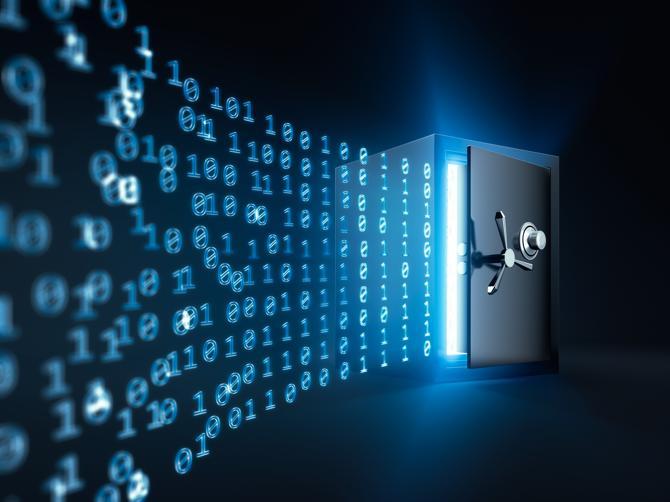
A password vault is an encrypted, digital storage system designed to hold sensitive information securely. This can include passwords, login credentials, PINs, files, documents, and personal data that should remain private. Instead of remembering dozens or even hundreds of passwords, a user only needs to remember one—the master password. The vault then unlocks all other stored credentials.
The core purpose of a password vault is simple: prevent users from reusing passwords across platforms while keeping sensitive data safe from unauthorized access. Because password reuse is one of the biggest security vulnerabilities globally, password vaults remove this risk by allowing users to generate and store strong, unique passwords for every online account.
Many people use the terms “password manager” and “password vault” interchangeably. While the password manager handles organization, categories, and auto-fill features, the vault refers specifically to the secure, encrypted space where passwords and documents are stored. Most tools today combine both functions for maximum convenience.
Why Password Vaults Matter Today
The shift to remote work increased cybersecurity risks dramatically. Employees often access corporate systems from home networks, personal devices, and unsecured Wi-Fi connections. As cyberattacks rise—particularly phishing scams, brute-force attacks, and credential stuffing—people need stronger protection mechanisms.
A password vault offers multiple benefits:
Stronger password hygiene
Protection against data leaks
Convenient access to credentials
Secure storage of personal and work information
Reduced risk of identity theft
Without a password vault, users often choose convenience over security. This leads to weak passwords or repeated patterns that attackers can easily guess. With a vault, users don’t need to memorize or manually manage dozens of complex passwords. The vault handles the heavy lifting, ensuring each password is both unique and secure.
Core Features of a Password Vault
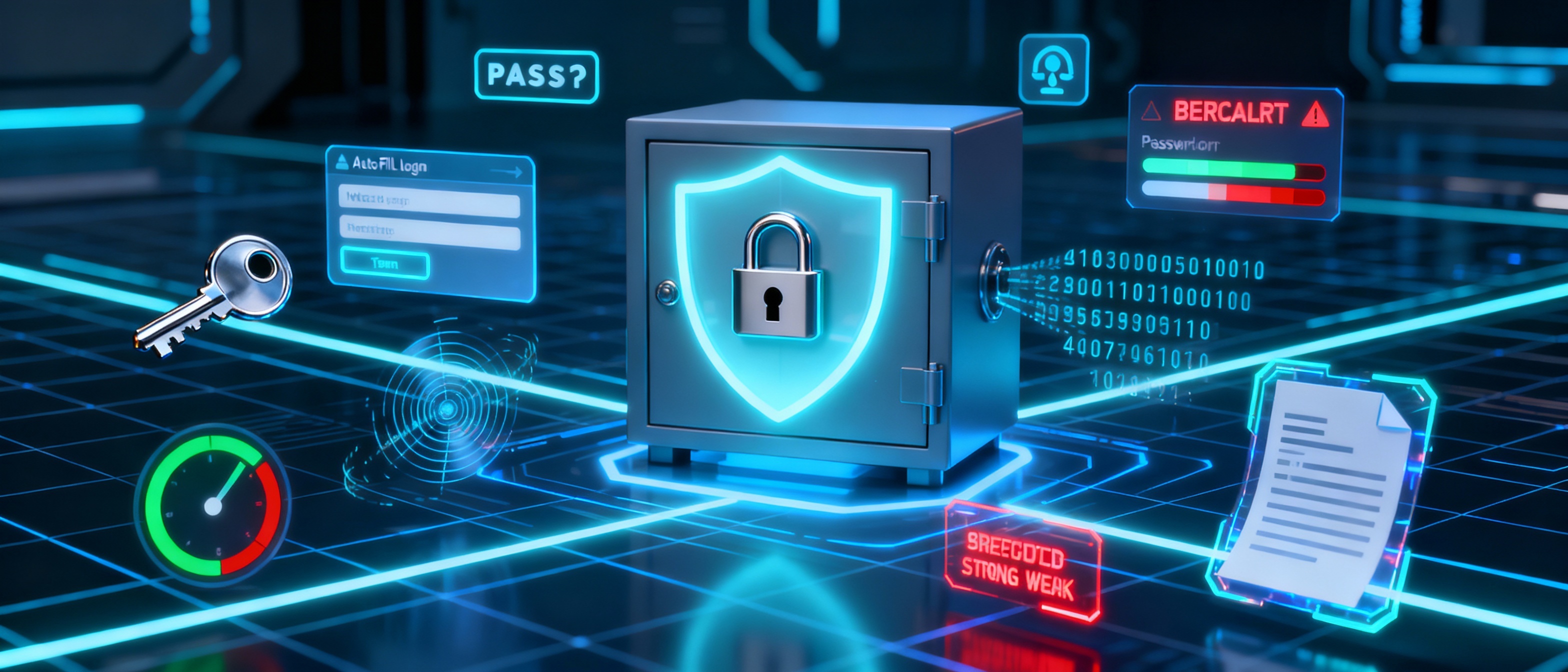
A password vault isn’t just a digital notebook. It’s a powerful cybersecurity tool designed with layered protection and useful features. Most vaults include:
Encrypted Storage
Every item stored in the vault—passwords, documents, IDs, and notes—is encrypted using strong algorithms. Even if someone accesses the vault’s data storage location, the information appears as scrambled code.
Master Password Security
This is the only password you must remember. If your master password is strong, your entire vault remains secure.
Auto-Fill and One-Click Logins
Users no longer need to manually type passwords. The system recognizes websites and applications and logs you in automatically.
Password Generator
This creates long, unpredictable passwords that are extremely difficult to crack.
Password Strength Checker
This alerts you if any of your saved passwords are weak, repeated, or outdated.
Leak or Breach Detection
If any of your stored credentials appear in known data breaches, the vault notifies you immediately.
Storage for Documents
Some vaults store sensitive documents such as ID scans, financial papers, and personal files in encrypted form.
Together, these features simplify digital life while improving security and reducing exposure to cyberthreats.
Also Read: What is an IP Address – Definition and Explanation
Are Password Vaults Safe?
Many users worry about storing all their passwords in one location. The concern is valid, but it overlooks the advanced security techniques behind password vault technology.
Password vaults use powerful encryption standards such as AES-256, which is trusted across industries for securing financial transactions, classified data, and enterprise environments. This encryption works on the user’s device, locking the information before it even reaches the cloud or local storage. Even if threat actors gain access to the vault database, they cannot decode the information without the master password.
It is also important to note that reputable password vault solutions do not store your master password or have access to it. They operate under a “zero-knowledge architecture,” meaning only the user can decrypt their own vault. This dramatically reduces the risk of unauthorized access.
As with all security tools, the level of protection ultimately depends on how strong your master password is. A weak master password can become a vulnerability, so choosing something long, complex, and unique is essential.
How Password Vaults Work Behind the Scenes
Password vaults rely on encryption to transform readable data into unreadable code. This process ensures that sensitive information remains inaccessible without proper authentication.
The vault encrypts your passwords and documents locally on your device. When you enter your master password, the vault decrypts the data for your use. When you log out or close the program, the vault immediately locks itself again.
Most vaults use:
Client-side encryption
AES-256 encryption algorithm
Key derivation functions to prevent brute-force attacks
Zero-knowledge architecture
In essence, even the vault provider cannot read your stored data. The only way to unlock the content is through your master password, making this system one of the safest ways to secure digital credentials.
Types of Password Vaults
Password vaults come in three main categories, each with advantages and limitations.
Local Password Vaults
Local vaults store encrypted data on your device. This means:
No internet connection is needed
Your vault is protected unless someone physically steals your device
It offers strong privacy
However, local vaults have significant drawbacks. If your device is lost, damaged, or stolen, and you haven’t backed up the vault, your passwords may be gone. Synchronizing data across devices can also be difficult.
Online or Cloud-Based Password Vaults
These are the most popular and widely used vaults today. They store encrypted data on secure cloud servers while giving users access from any device.
Advantages include:
Accessibility from anywhere
Automatic synchronization
Real-time updates
Zero-knowledge encryption
The main limitation is that users need an internet connection for authentication.
Token/USB Password Vaults
These systems store passwords on a physical device, such as a USB token. When plugged into a computer, the device generates the credentials needed for login.
Benefits include:
Offline storage
Two-factor authentication when paired with a master password
No dependency on cloud storage
The drawback is the risk of losing the physical device and the technical complexity involved in setup.
Do You Really Need a Password Vault?
Given the escalating frequency of cyberattacks, password vaults are becoming essential. Modern users juggle dozens of online accounts, from streaming services and social media to banking portals and business tools. Weak password practices leave users vulnerable to identity theft, fraud, and data breaches.
A password vault:
Simplifies your digital life
Eliminates weak and repeated passwords
Strengthens security for remote workers
Protects personal and corporate information
Automates login processes
If you use your personal device for work or store confidential data online, a password vault is one of the easiest and most effective ways to protect yourself.
How Password Vaults Improve Cybersecurity
A password vault enhances security on multiple levels.
Improves Password Strength
Because vaults generate random passwords, they eliminate predictable patterns that attackers often exploit.
Protects Against Brute-Force Attacks
Brute-force attacks rely on repeatedly guessing passwords. Strong, unique passwords generated by a vault make brute-force techniques ineffective.
Reduces Credential Reuse Risks
Credential stuffing, where attackers use stolen login pairs to access multiple accounts, becomes useless if each password is unique.
Eliminates Human Error
People often forget passwords, write them down insecurely, or reuse them out of convenience. A vault removes these risks entirely.
Enhances Remote Work Security
For remote teams, a password vault ensures secure access across devices, reducing exposure to untrusted networks.
Important Considerations When Using a Password Vault
To maximize security, users should follow best practices:
Choose a very strong master password
Enable multi-factor authentication
Regularly update passwords
Back up the vault securely
Avoid storing passwords in plain text
Monitor breach alerts and change passwords promptly
A password vault is only as secure as the habits of the person using it. Following cybersecurity best practices ensures complete protection.
Conclusion
A password vault is one of the most effective cybersecurity tools available today. It eliminates weak passwords, protects sensitive data, prevents unauthorized access, and simplifies digital life. In an era where online threats continue to grow, a password vault is not just helpful—it is essential.
By adopting a password vault and practicing strong digital hygiene, you significantly reduce your risk of cyberattacks, identity theft, and data breaches. Whether you are an individual user, a remote employee, or part of a large business, using a password vault is a smart and necessary step toward securing your digital world.



