
Commercial access control systems have become an essential part of modern office infrastructure. Offices today handle valuable physical assets, confidential data, and a constant flow of employees, visitors, and vendors. Managing access using traditional locks and keys is no longer practical or secure in such environments.
An access control system allows businesses to decide who can enter the office, which areas they can access, and when access is permitted. These systems not only strengthen security but also improve efficiency, accountability, and professionalism. When implemented correctly, access control supports a safer and more organized workplace.
What Is a Commercial Access Control System?
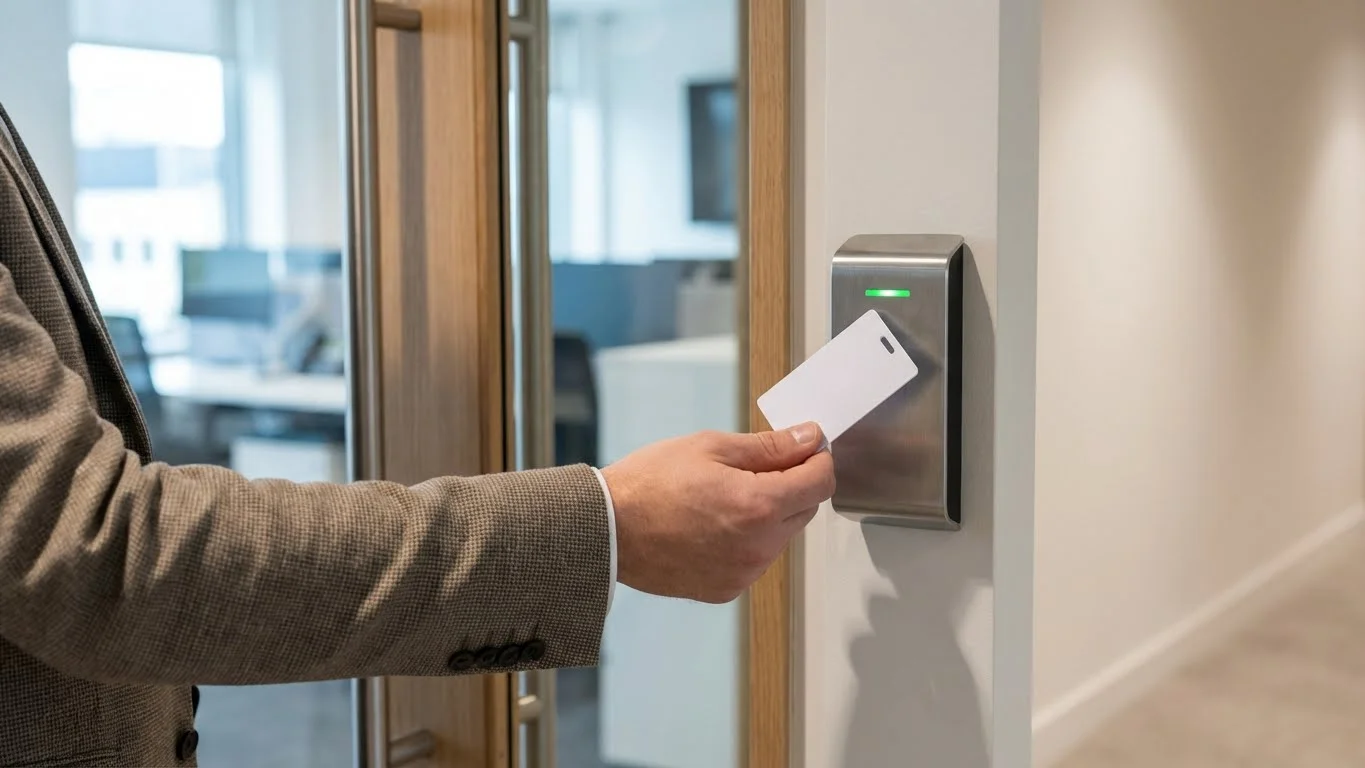
A commercial access control system is a security solution that manages entry to office buildings and restricted internal areas using digital authentication instead of physical keys. Access is granted based on predefined permissions assigned to individuals or roles.
When someone attempts to enter, the system verifies their credentials and either allows or denies access. Every access event is logged, creating a clear record of movement within the office.
Key characteristics:
- Controls entry to office buildings and rooms
- Reduces dependence on physical keys
- Uses digital, biometric, or mobile credentials
- Records access activity for monitoring
Why Offices Need Access Control Systems
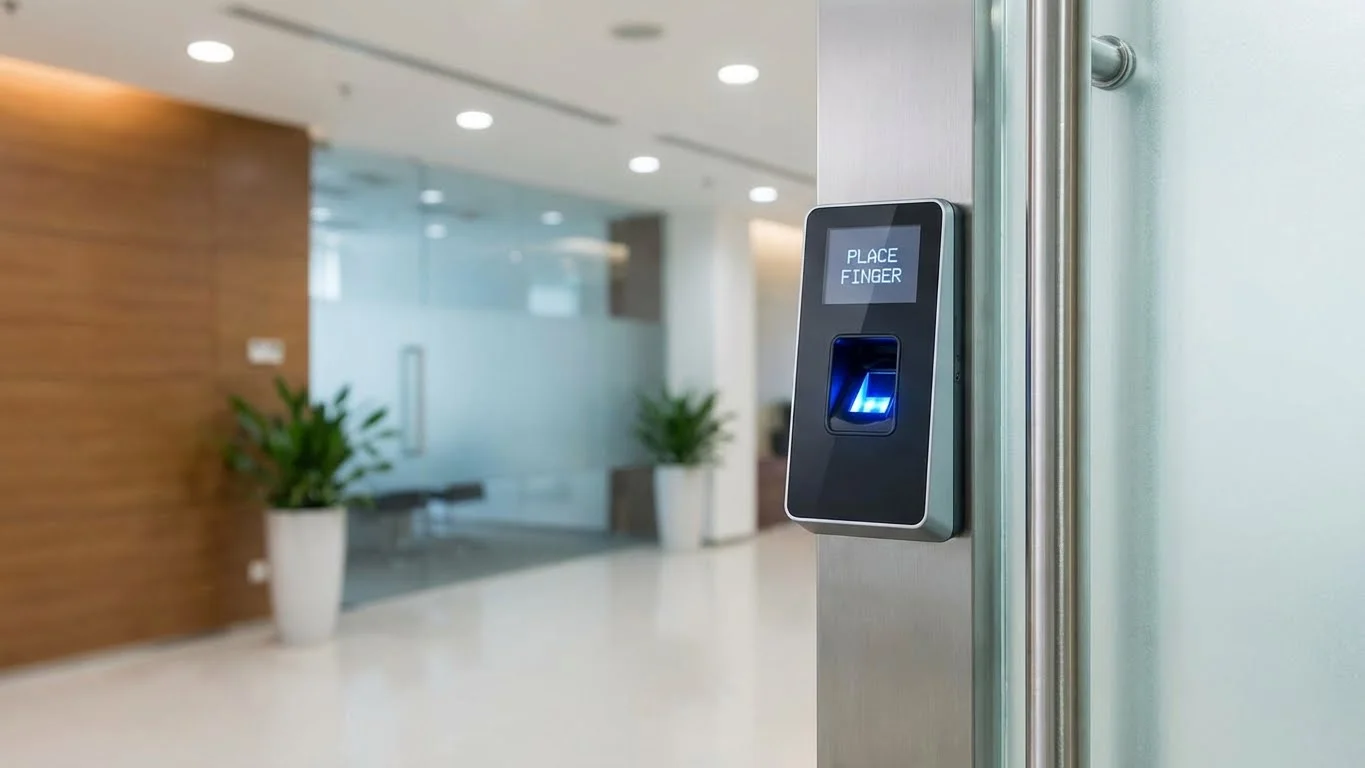
Offices face security risks such as unauthorized entry, theft, misuse of resources, and data exposure. Without proper access control, it becomes difficult to manage who enters sensitive areas and when.
Access control systems help offices protect employees, assets, and information while simplifying administrative tasks. Permissions can be updated instantly, making it easier to handle employee onboarding, role changes, and exits.
Key reasons offices need access control:
- Protect employees and visitors
- Secure confidential data and equipment
- Prevent unauthorized access
- Improve workplace safety
- Maintain professional security standards
Types of Commercial Access Control Systems
Different offices have different security needs. Commercial access control systems are available in several types to suit various environments.
1. Keypad Access Control
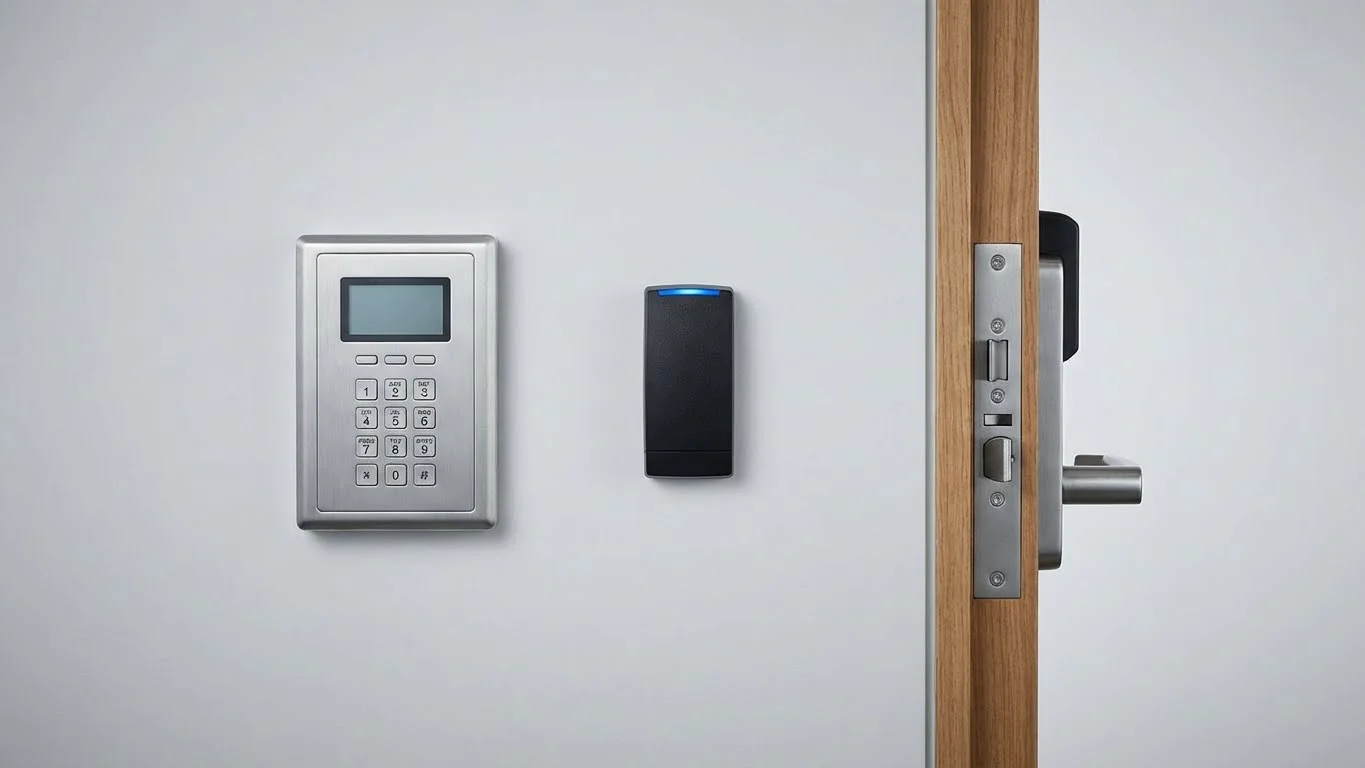
Keypad access control systems require users to enter a numeric PIN to gain access. These systems are often used in small offices or low-risk areas.
Explanation and use cases:
- Entry through a PIN code
- Easy to install and operate
- No physical credentials required
- PINs must be changed regularly to maintain security
2. Card-Based Access Control
Card-based systems use access cards or key fobs that users scan at entry points. These systems are common in medium to large offices.
Explanation and use cases:
- Each employee receives a unique card
- Cards can be activated or deactivated instantly
- Suitable for offices with many employees
- Lost cards must be blocked immediately
3. Biometric Access Control
Biometric access control systems use unique physical characteristics such as fingerprints or facial features to verify identity. These systems are typically used in high-security areas.
Explanation and use cases:
- Access based on biometric data
- Credentials cannot be shared or copied
- High accuracy and accountability
- Requires proper setup and regular maintenance
4. Mobile & Cloud-Based Access Control
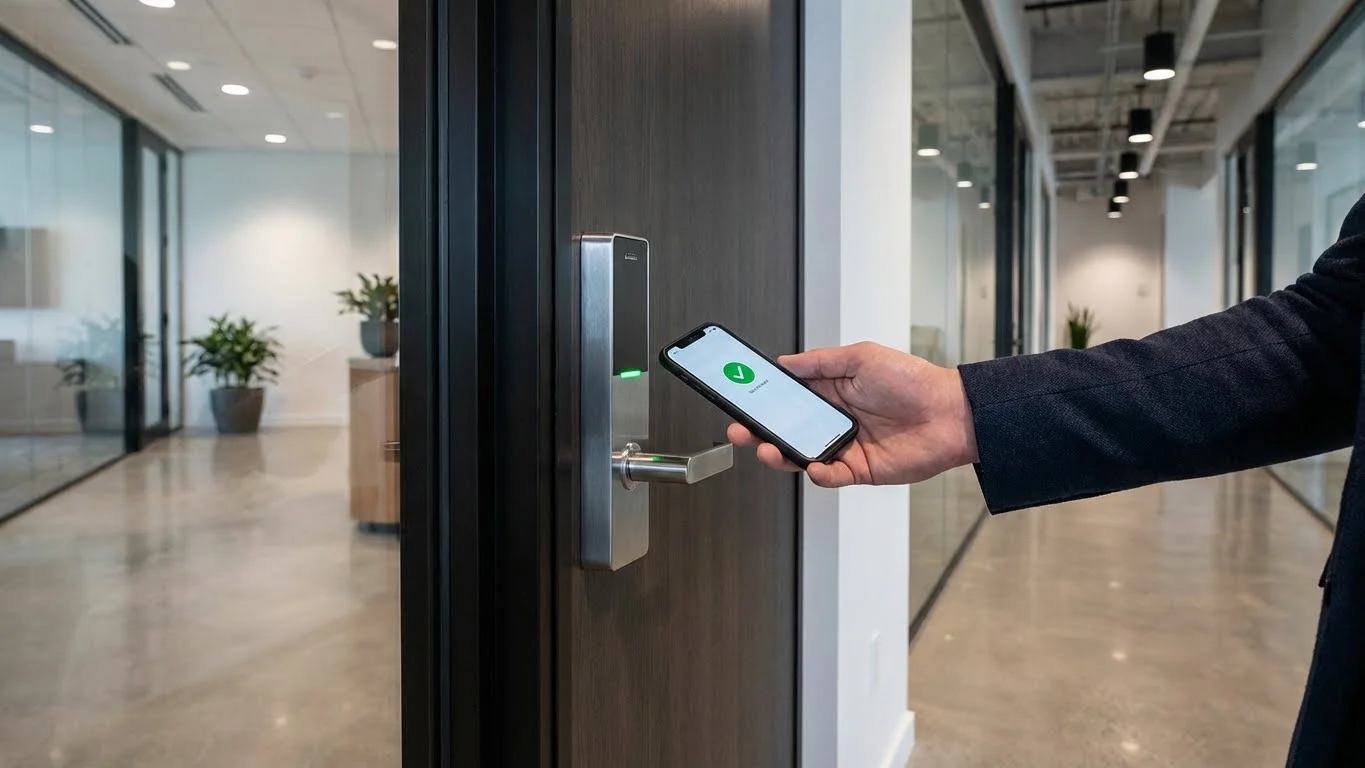
Mobile and cloud-based access control systems allow users to unlock doors using smartphones while administrators manage permissions remotely.
Explanation and use cases:
- Access through mobile applications
- Centralized, cloud-based management
- Easy to scale as the office grows
- Depends on reliable internet connectivity
Access Control Models Used in Offices
Access control models define how permissions are assigned and managed across the organization.
1. Discretionary Access Control (DAC)
Discretionary Access Control allows administrators to assign access permissions directly to users.
Key points:
- Flexible and user-based
- Simple to manage
- Suitable for small offices
2. Mandatory Access Control (MAC)
Mandatory Access Control follows strict organizational rules. Users cannot change permissions themselves.
Key points:
- Centralized control
- High security
- Used in sensitive environments
3. Role-Based Access Control (RBAC)
Role-Based Access Control assigns access based on job roles or departments.
Key points:
- Access tied to responsibilities
- Easy to manage for large teams
- Common in corporate offices
Key Components of a Commercial Access Control System
An access control system consists of multiple components working together to manage secure entry.
Core components include:
- Control panels that process access requests
- Readers or scanners for credential verification
- Credentials such as cards, biometrics, or mobile access
- Electronic locks and door hardware
- Software for monitoring and management
Benefits of Installing Access Control in Offices
Access control systems provide long-term security and operational benefits.
Key benefits:
- Stronger control over office access
- Reduced risk of theft and misuse
- Faster and smoother employee movement
- Clear access records for audits
- Scalable security as the business grows
Access Control Systems for Different Office Areas
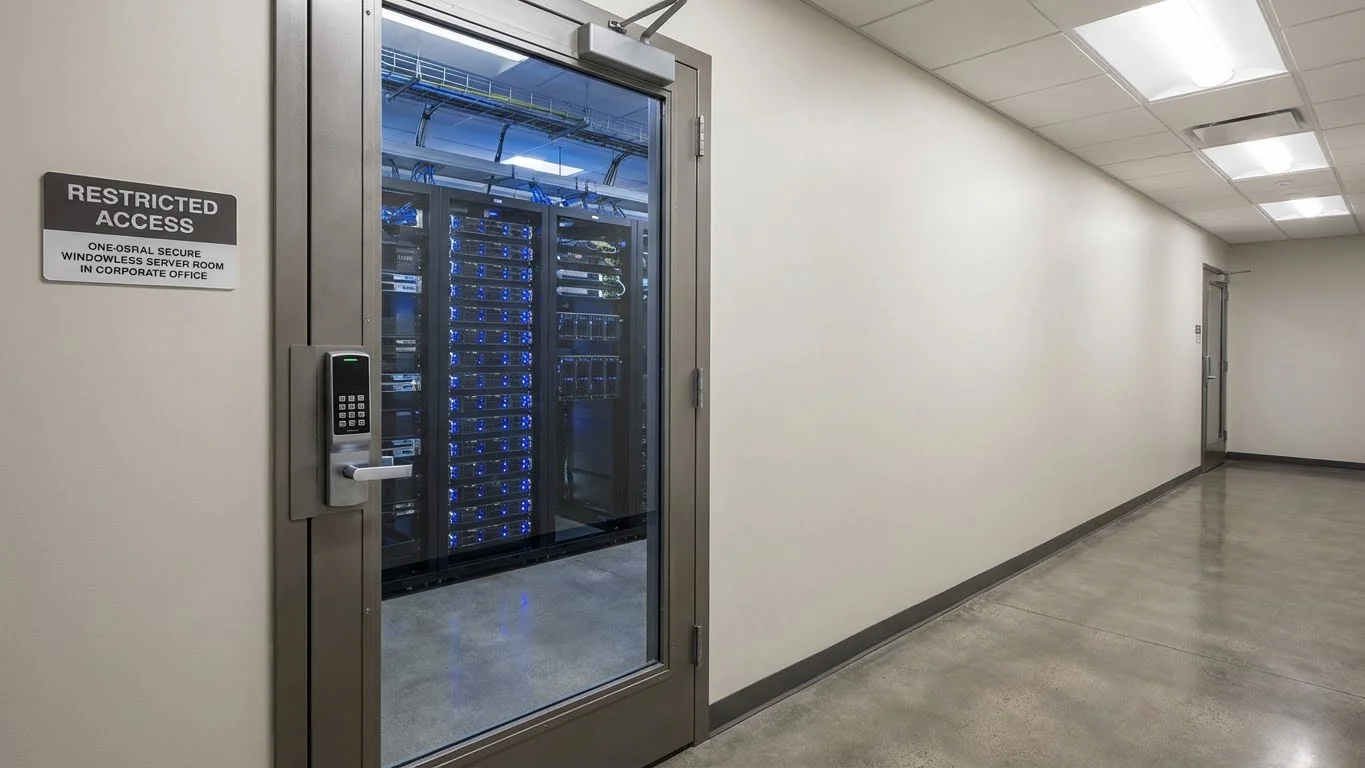
Not all office areas require the same level of security. Access control systems allow businesses to customize protection.
Commonly secured areas include:
- Main entrances and exits
- Server rooms and IT areas
- Executive offices
- Meeting rooms
- Storage and restricted zones
Integration With Other Office Security Systems
Access control systems work best when combined with other security solutions.
Common integrations include:
- Video surveillance systems
- Attendance and time-tracking tools
- Alarm and emergency systems
- Visitor management systems
How Access Control Elevates Office Productivity
Access control systems reduce delays and manual processes related to security.
Productivity improvements include:
- Faster entry and exit
- Reduced administrative workload
- Better accountability
- Less reliance on physical keys
Factors to Consider Before Choosing an Access Control System
Selecting the right system requires careful planning.
Important factors include:
- Office size and layout
- Number of users
- Required security level
- Budget and long-term costs
- Future expansion needs
Common Mistakes Businesses Make With Access Control
Poor planning can reduce system effectiveness.
Common mistakes include:
- Choosing outdated technology
- Not planning for future growth
- Overcomplicating access rules
- Ignoring regular maintenance
Cost of Commercial Access Control Systems
The cost of access control systems varies based on several factors.
Cost considerations include:
- Hardware and installation
- Software licensing
- Maintenance and upgrades
- Number of access points
Maintenance and Best Practices
Regular maintenance ensures reliable performance and security.
Best practices include:
- Keeping software updated
- Reviewing access permissions regularly
- Monitoring access logs
- Training staff on correct usage
FAQs
1. Is access control suitable for small offices?**
Yes, many systems are designed to scale and work well for small teams.
2. Can access be managed remotely?**
Cloud-based systems allow remote access management.
3. What happens when an employee leaves?**
Access can be revoked instantly through the system.
4. Are biometric systems reliable?**
When properly implemented and maintained, they offer high accuracy.
Conclusion
Commercial access control systems are essential for offices seeking better security, efficiency, and control. They help protect people, data, and assets while simplifying daily operations.
By choosing the right system and maintaining it properly, businesses can create a secure, organized, and future-ready office environment that supports long-term growth.



