
In today’s digital world, data travels constantly between devices, servers, and networks. Every email you send, every website you open, and every file you download moves across your network in small units known as data packets. Understanding what these packets contain and how they move can reveal a tremendous amount about network health and user activity. This is where one powerful tool becomes critically important: the packet sniffer.
A packet sniffer — sometimes called a packet analyzer, network analyzer, or protocol analyzer — is a tool designed to capture and study these data packets. While packet sniffers play an essential role in network maintenance, cybersecurity, and troubleshooting, they can also be exploited by malicious actors. This dual nature makes it crucial to understand what packet sniffers are, how they work, and how they can impact security.
This blog explores packet sniffers in detail, explaining how they function, what they capture, and how they can be both beneficial and dangerous.
What Is a Packet Sniffer?
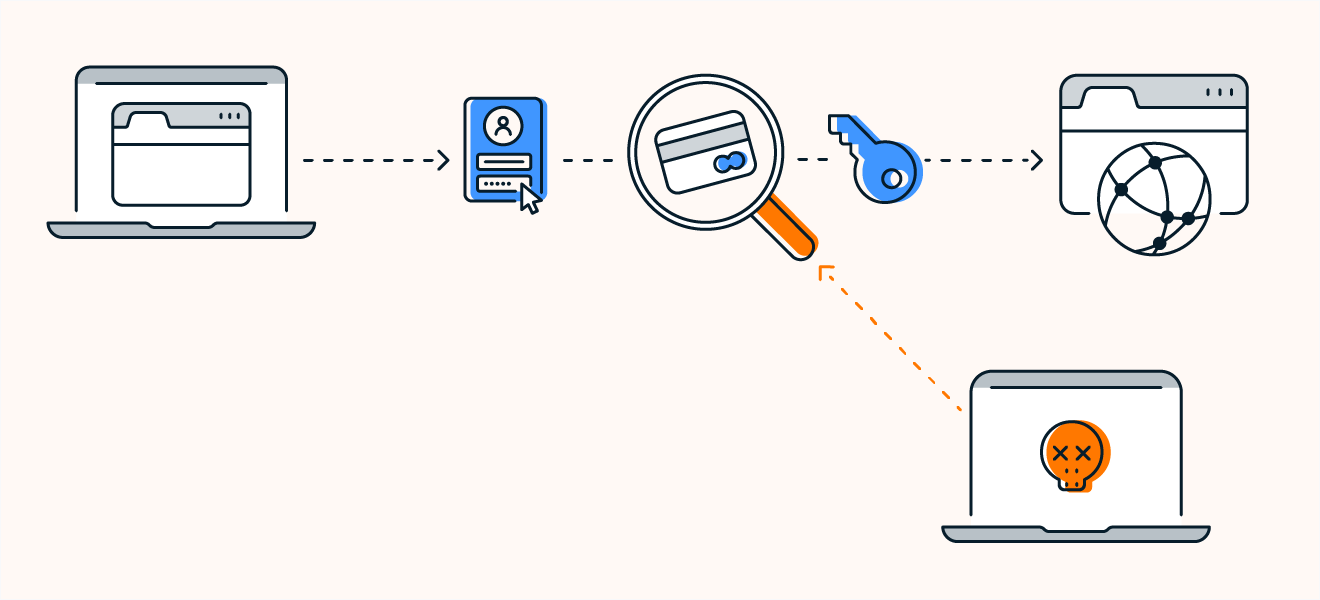
A packet sniffer is a software application or hardware device that monitors traffic crossing a network. A network carries streams of data packets that travel between computers, servers, and the wider internet. Each packet contains information such as the source address, destination address, data content, and communication protocols.
Under normal conditions, these packets are intended only for a specific device. For example, if you request a webpage, only your computer should receive that packet stream. However, when a packet sniffer is placed in promiscuous mode, it bypasses the usual restrictions and allows the observer to capture and analyze any packets moving across the network — even those not meant for them.
This ability makes packet sniffers an invaluable asset for IT professionals and cybersecurity teams, but also a potential weapon for cybercriminals attempting to capture private data.
How Packet Sniffers Work
To understand how a packet sniffer operates, imagine a network as a highway system. Each data packet is a car traveling from one point to another. A packet sniffer acts like a surveillance camera on that highway, recording each vehicle’s direction, license plate, contents, and sometimes even what’s happening inside.
Packet sniffers inspect packets at various points within the network. They can be installed on individual devices or placed at key locations within the network infrastructure.
A packet sniffer typically performs three main tasks:
Capturing:
It collects passing network packets based on predefined rules or in bulk.
Decoding:
It interprets the packet structure to identify protocol information and data content.
Analyzing:
It allows professionals to examine the packet for troubleshooting, security investigation, or monitoring.
The depth of visibility depends on the network structure, encryption, and sniffing mode used.
Packet Capture Modes
Packet sniffers can be configured in different operational modes depending on the user’s goals.
Unfiltered Capture Mode
In this mode, the sniffer collects all packets it can detect. Every packet is stored locally for analysis. This approach is used when:
- Diagnosing complex network issues
- Investigating possible intrusions
- Understanding complete network behavior
Unfiltered capture provides a full view but consumes significant storage and processing power.
Filtered Capture Mode
In this mode, the sniffer captures only packets matching specific criteria such as:
- IP addresses
- Certain protocols
- Keywords within packet content
- Source or destination ports
Filtered capture is ideal for focused analysis or when dealing with large networks.
This makes troubleshooting more efficient and reduces the amount of irrelevant data.
Packet Sniffers on Wired vs. Wireless Networks
:max_bytes(150000):strip_icc()/Wired-vs-Wireless-Networking-b915a5950e8e4241a5520703d2b2d255.jpg)
Packet sniffers behave differently depending on whether they are used on wired or wireless networks.
Wired Networks
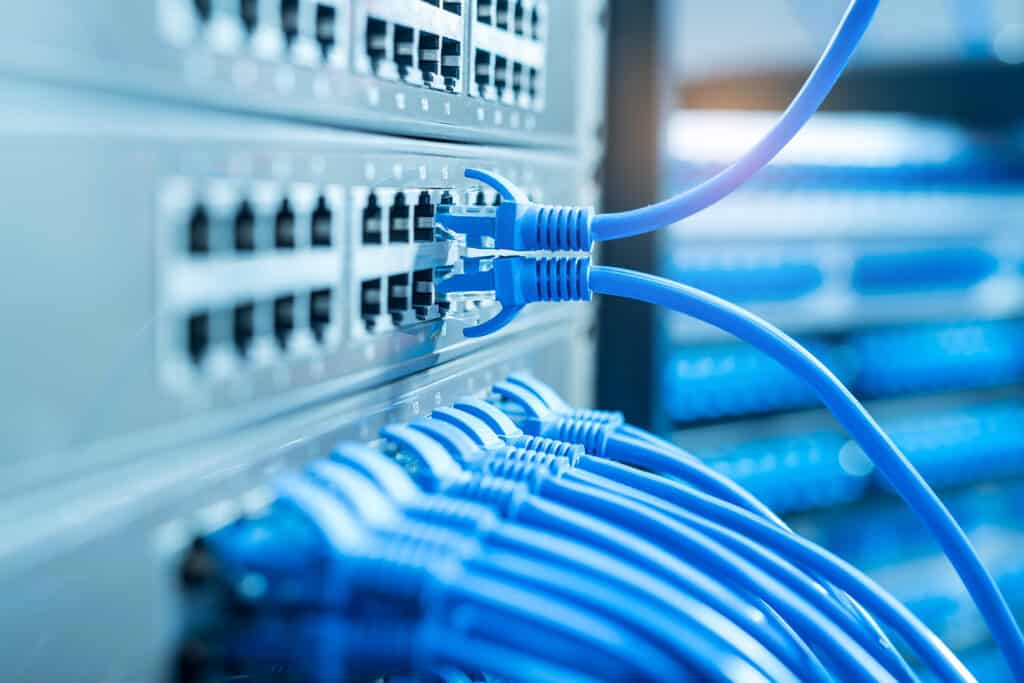
On a wired network, the level of visibility depends on network design:
- Older hub-based networks broadcast all data to all ports, making sniffing easy.
- Modern switch-based networks send packets only to the intended recipient unless port mirroring or configuration changes allow sniffing.
Depending on placement, a packet sniffer might see traffic from all machines or only certain segments of the network.
Wireless Networks
Wireless sniffing introduces different limitations:
- Sniffers generally capture one wireless channel at a time.
- Specialized tools or multiple wireless interfaces can expand coverage.
- Encryption makes it harder to view packet content unless the encryption key is known.
Because wireless signals travel through the air, attackers sometimes find wireless sniffing easier due to physical accessibility.
What Packet Sniffers Can Capture
Packet sniffers can capture almost any unencrypted information traversing a network. Examples include:
- Websites visited
- Pages viewed within a website
- Email content and recipients
- Files being downloaded
- Login details typed into unencrypted forms
- Network protocols being used
- Application usage patterns
This level of visibility is extremely useful for network professionals but dangerous in the hands of criminals.
Legitimate Uses of Packet Sniffers
Packet sniffers serve critical roles in IT operations and cybersecurity. Their legal, beneficial uses include:
Network Monitoring
Organizations use packet sniffers to monitor:
- Employee bandwidth use
- Traffic patterns
- Compliance with network rules
- Signs of misuse or unauthorized behavior
Monitoring helps ensure productivity and minimize unwanted network strain.
Troubleshooting and Diagnostics
Packet sniffers can diagnose issues such as:
- Slow network performance
- Failed connections
- Incorrect protocol use
- Congested routes
- Misconfigured devices
By analyzing captured packets, technicians can trace problems and fix them efficiently.
Security Analysis
Security professionals use sniffers to:
- Inspect suspicious traffic
- Detect malware behavior
- Identify attempted intrusions
- Block harmful connections
- Evaluate firewall and routing rules
Inbound packet sniffers can detect signs of malicious code in transit, helping prevent infections.
Malicious Uses of Packet Sniffers
The same features that make packet sniffers useful can make them dangerous. Threat actors often rely on packet sniffers for illicit purposes.
Also Read: QR Code Security: What Are QR Codes and Are They Safe to Use?
Unauthorized Data Capture
A malicious sniffer can capture:
- Passwords
- Banking details
- Email content
- Confidential documents
- Identity information
If the data is transmitted without encryption, attackers can read it instantly.
Installations Through Malware
Sniffers can be secretly installed when users:
- Open malware-infected attachments
- Download compromised files
- Click malicious ads
- Use unsafe software
Once installed, the sniffer collects data silently and sends it to an attacker’s server.
Facilitating Cyberattacks
Packet sniffers can help launch more severe attacks such as:
- Man-in-the-middle attacks
- Session hijacking
- Packet injection attacks
- Credential theft
- Network impersonation
Attackers use sniffers to study a network before exploiting it.
Risks Associated with Packet Sniffing
The biggest risks occur when packet sniffers operate undetected. The consequences may include:
- Loss of sensitive business data
- Compromised login credentials
- Identity theft
- Intellectual property theft
- Internal surveillance by attackers
- Unauthorized data manipulation
Because packet sniffers can extract everything from browsing history to communication contents, they pose one of the most severe cybersecurity threats.
How to Protect Against Malicious Packet Sniffers
To reduce the risk of packet sniffing attacks, organizations and individuals must take preventive measures.
Use Encryption
Encryption is the strongest defense. When data is encrypted:
- Attackers may capture packets
- But they cannot read or interpret them
Secure protocols include HTTPS, TLS, SSL, SSH, and WPA3 for wireless networks.
Monitor Network Activity
Abnormal traffic patterns may indicate unauthorized sniffers. Regular monitoring can reveal:
- Suspicious packet floods
- Unexpected data transfers
- Unauthorized connections
Avoid Downloading Untrusted Files
Users should avoid opening:
- Unknown attachments
- Suspicious downloads
- Files from unverified websites
Many sniffers are deployed through hidden malware.
Use Secure Network Configurations
Techniques include:
- Segmenting networks
- Enforcing authentication
- Using strong Wi-Fi encryption
- Restricting physical access
- Blocking unused ports
These steps limit what a sniffer can detect.
Stay Updated
Security patches help fix vulnerabilities attackers might exploit.
Conclusion
A packet sniffer is a powerful tool that reveals how information moves through a network. From diagnosing performance issues to uncovering malicious activity, packet sniffers are essential for modern network management. However, they also present serious risks when used unlawfully. Understanding how sniffers work — and how to protect against them — is vital for individuals, businesses, and cybersecurity professionals.
By adopting encrypted communication methods, practicing good cybersecurity hygiene, and monitoring network activity carefully, you can significantly reduce the threat of malicious packet sniffers. In an era where data is constantly in motion, staying informed is one of the strongest defenses.

Debabrata Behera is a passionate blogger who writes about digital trends, personal growth, and practical insights, helping readers stay informed, inspired, and ready to achieve success in life.



