
In today’s digital world, we live much of our lives online. From shopping and banking to social networking and remote work, the internet connects every aspect of modern existence. However, as our dependence on the internet grows, so do the risks. Cybercriminals are constantly developing new techniques to steal data, spread malware, and exploit vulnerabilities. This is where internet security comes into play.
Internet security refers to the practices, technologies, and tools used to protect data, users, and systems from online threats. It is an essential aspect of cybersecurity that focuses specifically on protecting activities and transactions conducted over the internet. Understanding what internet security is and how to stay protected is critical to maintaining both personal and professional safety online.
What Is Internet Security?
Internet security is a branch of cybersecurity that deals with safeguarding internet-connected systems, including hardware, software, and data, from attack, damage, or unauthorized access. It involves the protection of browsers, email communication, networks, and online behavior.
The main goal of internet security is to ensure confidentiality, integrity, and availability of information shared online. In other words, it helps keep sensitive data safe, ensures that it isn’t tampered with, and makes sure that authorized users can access it when needed.
The key areas covered by internet security include:
- Browser security: Protecting web browsers from malware and phishing attacks.
- Network security: Safeguarding computer networks from unauthorized intrusion.
- Email security: Preventing phishing scams and malicious attachments.
- Mobile and IoT security: Securing smartphones, tablets, and smart devices from hacking.
Since the internet is an open network that connects millions of users worldwide, it’s a potential gateway for numerous cyber threats. To protect against these dangers, users and organizations need to adopt proper internet security measures.
The Most Common Internet Security Threats
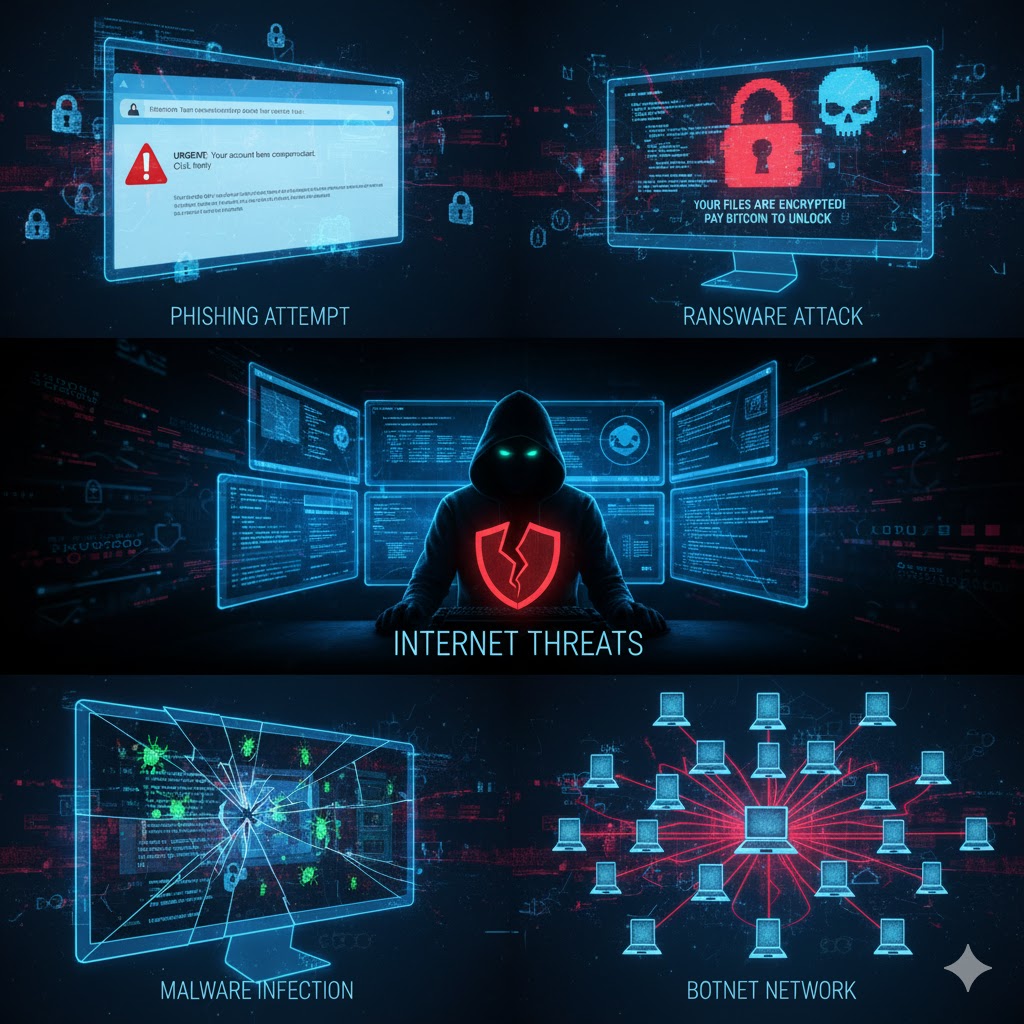
Understanding the different types of internet threats is the first step toward effective protection. Cybercriminals use various methods to exploit users, and some of the most common threats include:
Phishing
Phishing is one of the oldest and most prevalent online threats. It involves sending fraudulent emails or messages that appear to come from legitimate sources, such as banks or trusted companies. These emails often contain malicious links or attachments designed to trick victims into revealing personal information like login credentials or credit card details.
Phishing remains effective because it preys on human error and trust. Modern phishing scams have become increasingly sophisticated, using professional-looking designs and personalized messages to deceive even cautious users.
Hacking and Remote Access
Hacking involves unauthorized access to computer systems or networks to steal data or disrupt operations. One common target for hackers is Remote Desktop Protocol (RDP), a tool used for remote work. If RDP connections are not properly secured, attackers can gain control over entire systems.
Once inside, hackers can steal sensitive files, spy on activities, or install ransomware. With more people working remotely, weakly protected remote access systems have become a growing target for cybercriminals.
Malware and Malvertising
Malware, short for “malicious software,” includes viruses, trojans, worms, and spyware. These programs can infiltrate computers through downloads, email attachments, or infected websites, causing damage or stealing information.
Malvertising, on the other hand, spreads malware through online advertisements. Cybercriminals inject malicious code into legitimate ads, and when users click or even view these ads, their devices may become infected.
Ransomware
Ransomware is a particularly dangerous form of malware that locks users out of their files or systems until a ransom is paid. The attackers typically demand payment in cryptocurrency to remain anonymous.
Even if a ransom is paid, there’s no guarantee that files will be restored. Well-known ransomware attacks like WannaCry, Locky, and Maze have caused massive financial and data losses across the world.
Botnets
A botnet is a network of computers that have been infected with malware and are controlled remotely by cybercriminals. These infected machines, or “bots,” can be used to perform large-scale cyberattacks, such as Distributed Denial of Service (DDoS) attacks, which can shut down entire websites or services.
Botnets can also be used for spam distribution, identity theft, or even illegal cryptocurrency mining without the device owner’s knowledge.
Wi-Fi Threats
Public Wi-Fi networks are convenient but often unsecured. Hackers can exploit these open networks to intercept communications, steal passwords, or redirect users to fake websites.
Common Wi-Fi threats include:
- Packet sniffing: Monitoring unencrypted data.
- Man-in-the-middle attacks: Intercepting and modifying communication between users and websites.
- Rogue hotspots: Fake Wi-Fi networks set up to collect personal information.
Even at home, weak Wi-Fi security can expose personal data. Using a VPN (Virtual Private Network) adds a layer of encryption to make browsing more secure.
How to Protect Your Data Online
Now that you understand the common internet threats, let’s look at effective ways to protect yourself.
Enable Multi-Factor Authentication (MFA)
Multi-factor authentication adds an extra layer of security by requiring two or more verification methods to access an account. In addition to a password, you might need a one-time code sent to your phone, a fingerprint, or facial recognition.
This makes it much harder for hackers to access your accounts, even if they manage to steal your password.
Use a Firewall
A firewall acts as a digital barrier between your computer and external networks. It monitors incoming and outgoing traffic and blocks any suspicious activity.
Most operating systems come with built-in firewalls — ensure they are enabled and kept updated. Hardware firewalls, often included in routers, provide additional protection for home and office networks.
Choose a Secure Browser
Your web browser is your main gateway to the internet, so it needs to be secure. Choose browsers that provide regular updates, offer anti-tracking features, and block pop-ups or malicious sites.
Browsers like Chrome, Firefox, and Brave include advanced security features that help protect against phishing and malware. Always keep your browser and extensions up to date.
Create Strong Passwords and Use a Password Manager
Weak passwords are one of the most common security flaws. Create long, complex passwords using a mix of letters, numbers, and symbols. Avoid personal details like names or birthdays.
A password manager can help by securely storing and generating unique passwords for each account. This reduces the risk of reuse and makes password management easier.
Keep Antivirus Software Up to Date
Antivirus software is essential for detecting and removing malware before it can cause harm. It provides real-time protection and scans files and downloads for threats.
Ensure your antivirus software updates automatically to defend against the latest threats.
How to Keep Your Family Safe Online
The internet offers countless educational and entertainment opportunities for children, but it also exposes them to risks such as inappropriate content and cyberbullying.
Internet Safety for Kids
Teaching children about online safety is vital. They should understand the importance of keeping personal details private and not talking to strangers online. Encourage them to discuss anything unusual they see or experience.
Keeping computers or tablets in common areas allows parents to monitor activity and promote responsible use.
Parental Controls and Child-Friendly Platforms
Parental controls allow parents to filter out inappropriate content, set screen time limits, and monitor browsing history. Platforms like YouTube Kids provide safer environments for younger audiences, using both human moderation and AI filters.
Combining parental controls with open communication ensures a safer and more balanced digital experience for children.
Email Security and Spam Protection
Email remains one of the most common entry points for cyberattacks.
What Is Email Security?
Email security refers to the tools and techniques used to protect email accounts and communications from unauthorized access, spam, phishing, and malware.
How to Deal with Spam and Malicious Emails
- Mark suspicious emails as spam instead of deleting them — this helps improve spam filters.
- Never click on links or attachments from unknown senders.
- Use different email accounts for personal and professional communication.
- Review privacy settings to control who can contact you.
- Consider using an additional third-party spam filter for enhanced protection.
If you notice a sudden increase in spam, it may indicate that your email address was leaked or exposed in a data breach.
Network Security and Wi-Fi Protection
Securing Your Home Router
Your router acts as a gateway for all your connected devices, so securing it is essential. Start by changing default usernames and passwords, as these are often easy to guess.
Disable unnecessary features such as remote access, WPS, or UPnP, which can expose your network to attacks. Always use strong encryption (preferably WPA3) and keep firmware up to date.
Use a VPN
A Virtual Private Network (VPN) encrypts your internet traffic and hides your IP address. This makes it difficult for hackers or ISPs to track your online activities.
Using a VPN is particularly important when connecting to public Wi-Fi networks, as it keeps your data secure from prying eyes.
Internet Security and the Internet of Things (IoT)
The Internet of Things includes smart devices such as home assistants, smartwatches, and connected appliances. While convenient, these devices can pose security risks if not properly configured.
Each IoT device connected to your network is a potential entry point for hackers. To enhance IoT security:
- Change default passwords immediately.
- Keep devices updated with the latest firmware.
- Use a separate network for IoT devices.
Mobile and Smartphone Security
Smartphones hold vast amounts of personal data, making them prime targets for cybercriminals.
Signs of a Compromised Phone
If your phone is unusually slow, overheats, or displays unfamiliar apps, it might be infected with malware or spyware. Strange text messages or rapidly draining batteries can also be warning signs.
Phone Spoofing and Spyware
Phone spoofing involves falsifying caller IDs to trick users into answering fraudulent calls. Avoid answering unknown numbers, and use call-blocking apps when necessary.
If you suspect your phone has spyware, uninstall suspicious apps, update the operating system, or perform a factory reset to remove the infection.
Internet Safety Tips: How to Protect Yourself Online
- Install reliable internet security software that provides real-time protection against malware and phishing.
- Use ad-blockers to prevent malicious advertisements and reduce online tracking.
- Keep all software, browsers, and operating systems updated.
- Regularly back up important files to a secure cloud or external drive.
- Be cautious when sharing information on social media — avoid posting sensitive personal details.
- Use secure payment methods and verify URLs before shopping or banking online.
FAQs
What is internet security?
Internet security involves protecting online systems, data, and activities from cyber threats such as hacking, malware, and phishing.
What are the most common internet security threats?
Phishing, ransomware, malware, botnets, and public Wi-Fi attacks are among the most prevalent threats.
Is public Wi-Fi safe?
Public Wi-Fi is risky because it often lacks encryption. Always use a VPN when connecting to public networks.
How can I keep my children safe online?
Use parental controls, communicate about online dangers, and monitor activity on shared devices.
Do I need antivirus software?
Yes, antivirus software is essential for detecting and removing malicious programs before they can cause harm.
Conclusion
Internet security is no longer optional — it’s essential for protecting your personal information, finances, and privacy. From phishing and ransomware to public Wi-Fi risks, cyber threats are constantly evolving. The best defense is a combination of awareness, strong security tools, and responsible online behavior.
By following best practices such as enabling multi-factor authentication, using a VPN, creating strong passwords, and keeping software updated, you can greatly reduce the risk of falling victim to online attacks. Remember that internet security isn’t a one-time action — it’s a continuous commitment to staying safe in an ever-changing digital landscape.



