Biometric devices have become a core part of modern security and digital identity, from unlocking smartphones to managing national ID systems that serve entire countries. These devices identify or verify people based on unique physical or behavioral traits that cannot be handed off, misplaced, or guessed the way a password or an access card can be. Because identity verification touches nearly every sector of the economy, biometric hardware and software have moved from a niche security tool into a mainstream infrastructure layer that banks, hospitals, airports, government agencies, and retailers all depend on daily. Organizations adopt biometric devices primarily to reduce fraud, strengthen access control, and streamline user experiences, but the actual value these systems deliver goes far beyond simple convenience. A well-designed biometric deployment changes how an organization thinks about trust, because it replaces a system built on “something you know” or “something you carry” with a system built on “something you are,” and that shift has consequences for security architecture, regulatory compliance, and the day-to-day experience of millions of people who interact with these systems without ever thinking twice about the hardware doing the work behind the scenes.
What Are Biometric Devices?
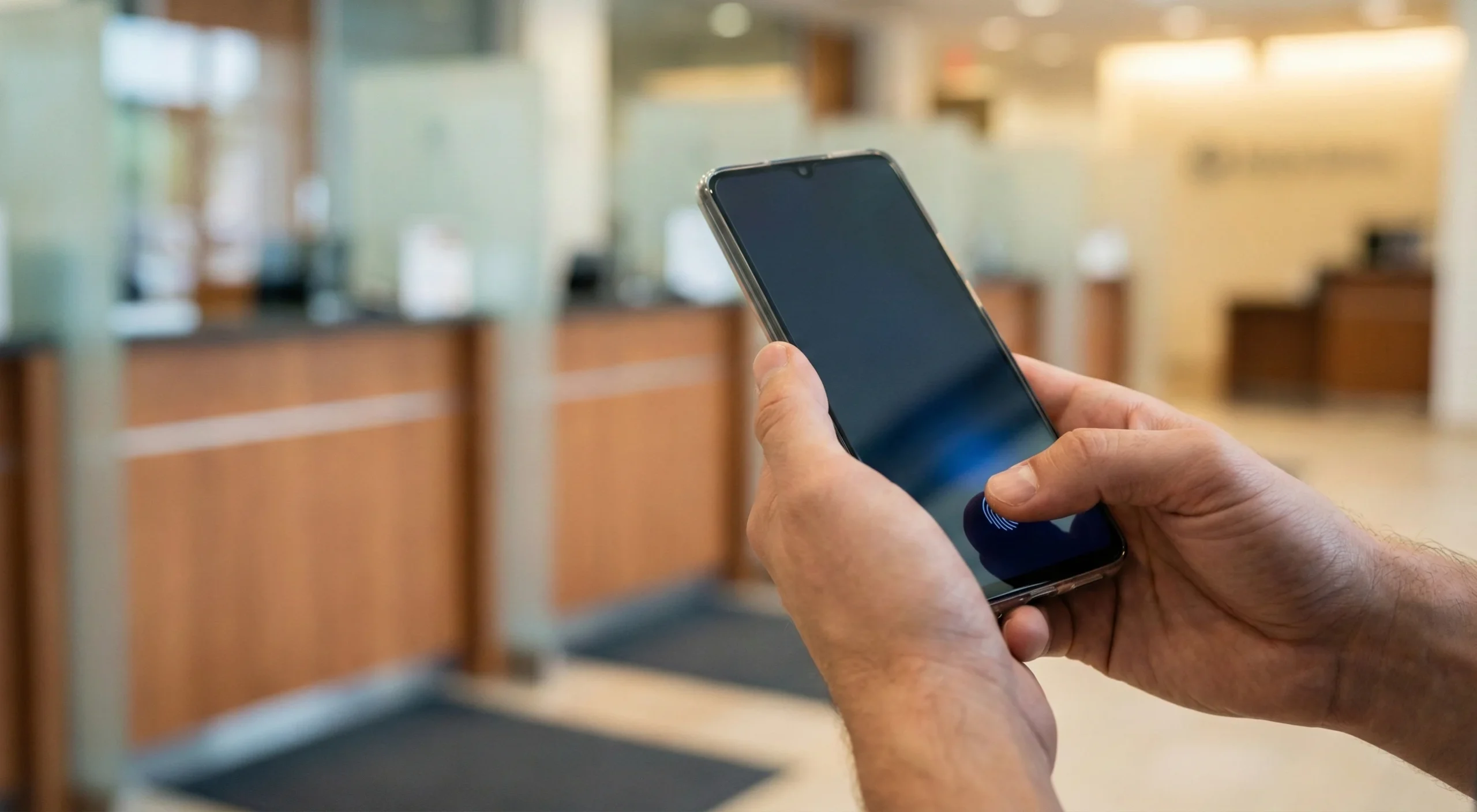
This section explains what biometric devices are and how they work at a high level.
Biometric devices are electronic systems that capture, process, and compare biometric identifiers such as fingerprints, facial features, irises, palm veins, or voice patterns to recognize or verify an individual. They typically include a sensor to capture raw data, processing hardware and algorithms to extract biometric templates, and a matching engine that compares new samples against stored templates for identification or authentication.
Biometric identifiers fall into two broad categories: physiological traits (for example, fingerprint, iris, face, palm vein) and behavioral traits (for example, voice, signature, gait, or keystroke dynamics). Because these traits are difficult to share, steal, or forget compared to passwords or cards, biometric devices offer stronger binding between a person and their claimed identity.
Types of Biometric Devices
This section covers the main categories of biometric devices, focusing on contact, contactless, and hybrid or multi-biometric systems, and it walks through the specific hardware that falls under each category along with the tradeoffs that separate one approach from another.
Contact Biometric Devices

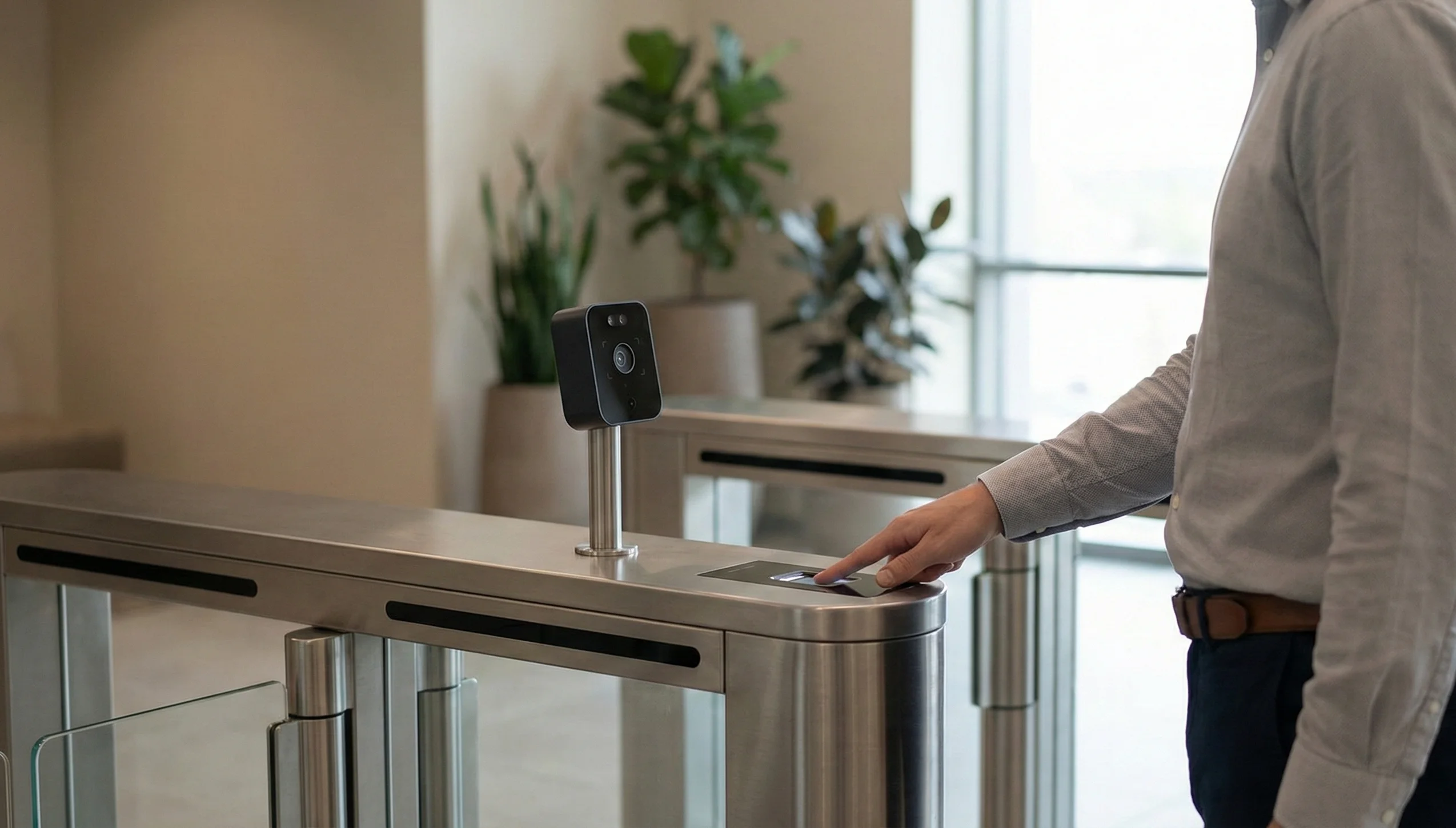
Contact biometric devices require the user to physically touch a sensor or surface so that the system can capture biometric data. These devices are widely used in attendance systems, banking, government services, and physical access control because they are mature, accurate, and relatively affordable.
- Fingerprint scanners (optical and capacitive technology)
- Palm print scanners
- Hand geometry scanners
Contactless Biometric Devices
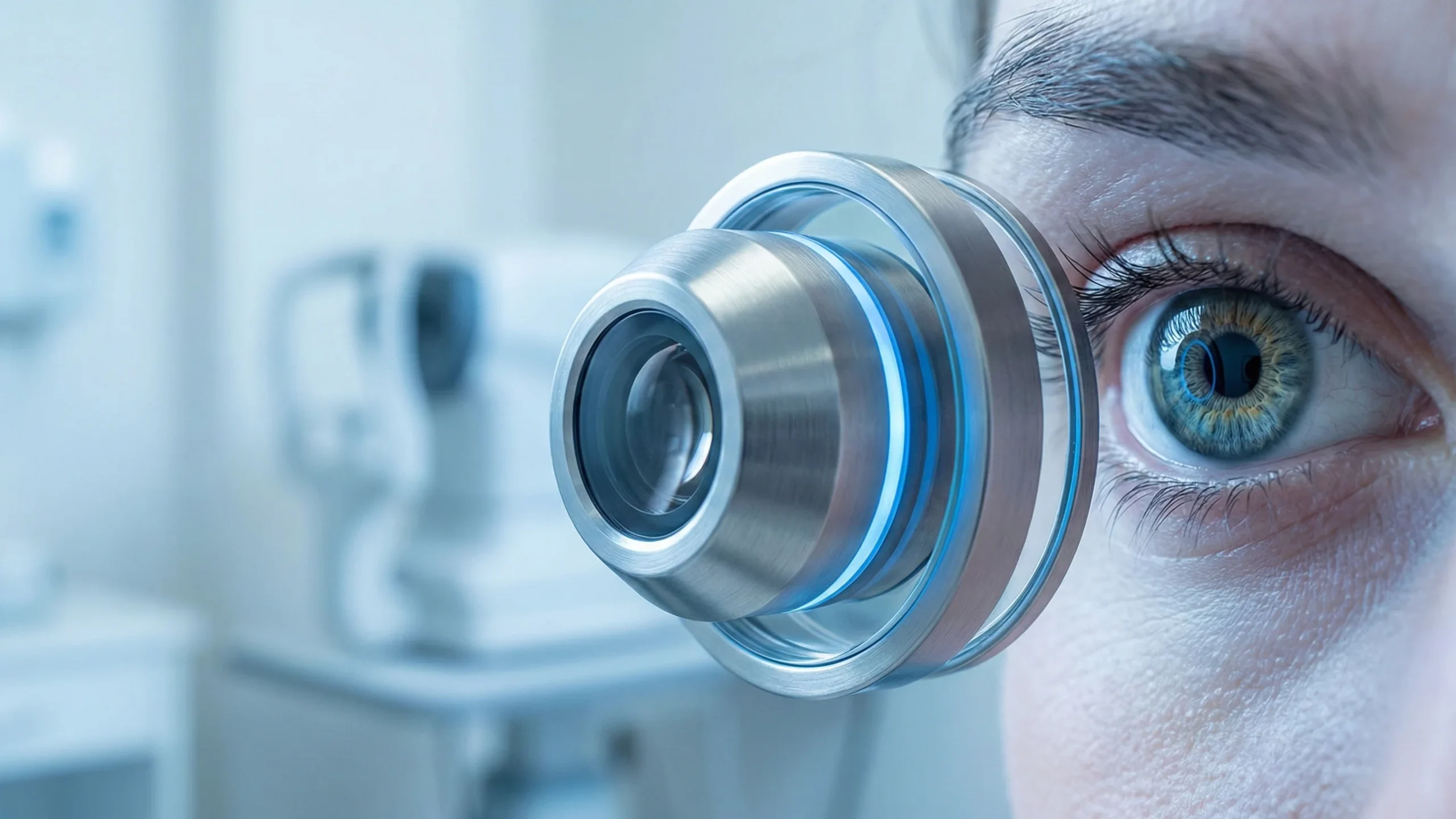
Contact biometric devices require the user to physically touch a sensor or surface so that the system can capture biometric data, and this category represents the oldest and most established branch of biometric technology in commercial use today. These devices are widely used in attendance systems, banking, government services, and physical access control because they are mature, accurate, and relatively affordable compared to many of the newer contactless alternatives that have only become commercially viable in the last decade or so. The maturity of contact biometrics matters in practice because organizations deploying these systems can draw on decades of field data about failure rates, spoofing resistance, and long-term durability, which reduces the risk that comes with adopting brand-new, less-proven technology at scale.
Fingerprint scanners (optical and capacitive technology)
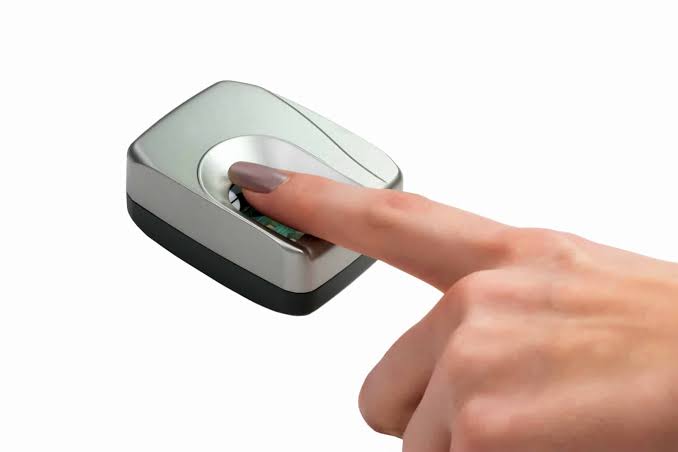
Capture the unique ridge patterns on a fingertip and convert them into a digital template for matching, and this remains the single most widely deployed biometric modality on the planet, appearing in everything from smartphone home buttons to national identity programs enrolling over a billion people. Optical scanners use light and imaging to record the fingerprint pattern, essentially photographing the ridges and valleys of the skin and then processing that image to extract distinguishing minutiae points such as ridge endings and bifurcations. Capacitive scanners take a different approach, measuring changes in electrical capacity caused by the ridges and valleys of the skin as it makes contact with an array of tiny capacitor plates embedded in the sensor surface, and this method improves resistance to simple spoofing because a flat printed image of a fingerprint generally cannot replicate the electrical properties of living skin the way it can fool a purely optical camera. These devices are common in national ID–based authentication programs, banking eKYC processes that verify a customer’s identity before opening an account, access control systems guarding office buildings and secure facilities, and attendance terminals installed in offices and factories around the world to track when employees clock in and out. The cost of fingerprint sensors has dropped dramatically over the past fifteen years, which has made this modality accessible even to small businesses and mid-sized government agencies that would never have been able to afford biometric hardware a generation ago.
Palm print scanners
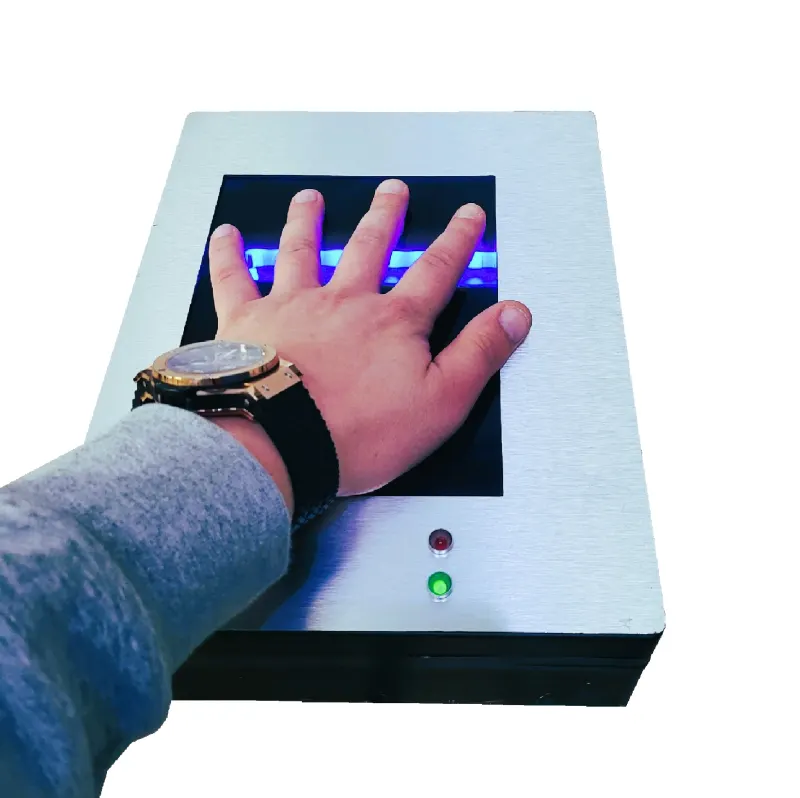
Capture the surface patterns of the palm, including the lines and textures spread across a much larger area than a single fingertip, using imaging sensors similar to those used for fingerprints but scaled up to cover the whole hand. Because the palm area is larger than a fingertip, these devices can encode more features into a single template, which can improve matching performance in high-security environments where the extra data points reduce the chance of a false match or a false rejection. Palm print systems have found a particular niche in environments where fingerprint quality tends to degrade, such as among manual laborers whose fingertips accumulate scarring and wear over years of physical work, since the larger surface area of the palm gives the system more usable data even when some sections of skin are damaged or worn smooth.
Hand geometry scanners
It measures the shape, size, and relative positions of fingers and the overall hand, often using pegs and cameras to ensure consistent placement for each scan so that the system captures the same measurements every time a person uses the device. They are commonly used for time and attendance tracking and physical access control at workplaces where fast, reasonably secure verification is needed rather than forensic-level identification, since hand geometry produces far fewer distinguishing data points than a fingerprint or iris scan and is therefore better suited to smaller populations where the risk of two people having similar hand measurements remains low. Hand geometry devices tend to be popular in industrial settings such as warehouses and factory floors because workers wearing gloves or with dirty hands can often still be verified reliably, whereas fingerprint sensors in the same environment may struggle with residue, moisture, or debris interfering with the capacitive or optical reading.
Hybrid/Multi-biometric Devices
Hybrid or multi-biometric devices combine two or more biometric modalities in a single system to strengthen security and improve recognition accuracy beyond what any single modality can achieve on its own. Examples include terminals that pair facial recognition with fingerprints for a two-factor biometric check at a building entrance, or systems that use iris plus fingerprints for high-assurance enrollment and verification in national ID or border control programs where the stakes of an incorrect match are especially high. The logic behind combining modalities is straightforward: every biometric trait has failure modes, whether that means a worn fingerprint, a face partially obscured by a hat or glasses, or an iris that is difficult to capture in bright sunlight, and pairing two independent traits means that a weakness in one channel can be compensated for by strength in the other.
Devices using two or more biometric modalities can capture multiple traits either sequentially, for example scanning the face first and then requesting a fingerprint, or simultaneously through parallel sensors built into a single terminal, and the system then fuses the information at the sensor level, the feature level, or the decision level depending on how the architecture was designed. Sensor-level fusion combines raw data before any processing occurs, feature-level fusion merges the extracted templates from each modality into a single combined template, and decision-level fusion runs each modality through its own separate matching process and then combines the individual match scores into a final decision. Such devices are used in law enforcement investigations where multiple biometric traits collected at a crime scene need to be cross-referenced against a database, border security checkpoints processing international travelers at scale, and large-scale civil identification systems where reliability, resistance to spoofing, and population coverage are all crucial requirements that no single biometric modality can fully satisfy on its own.
Benefits of hybrid devices (security, accuracy, robustness) stem directly from the redundancy that multiple modalities provide. By requiring multiple independent traits, multi-biometric devices make it significantly harder for attackers to spoof or bypass authentication, since an attacker would need to compromise more than one biometric factor at the same time, and defeating a facial recognition camera and a fingerprint sensor simultaneously requires an entirely different and far more sophisticated attack than defeating either system alone. Multi-biometric approaches also reduce the impact of noisy or poor-quality data from any single sensor, since a smudged fingerprint reading can be offset by a clean facial capture, and they help handle cases where a person cannot provide a particular biometric at all, such as an elderly worker with severely worn fingerprints or a manual laborer whose fingertip ridges have been damaged by years of physical work, improving overall accuracy and robustness across the full population a system needs to serve rather than optimizing for the average case alone.
Applications of Biometric Devices
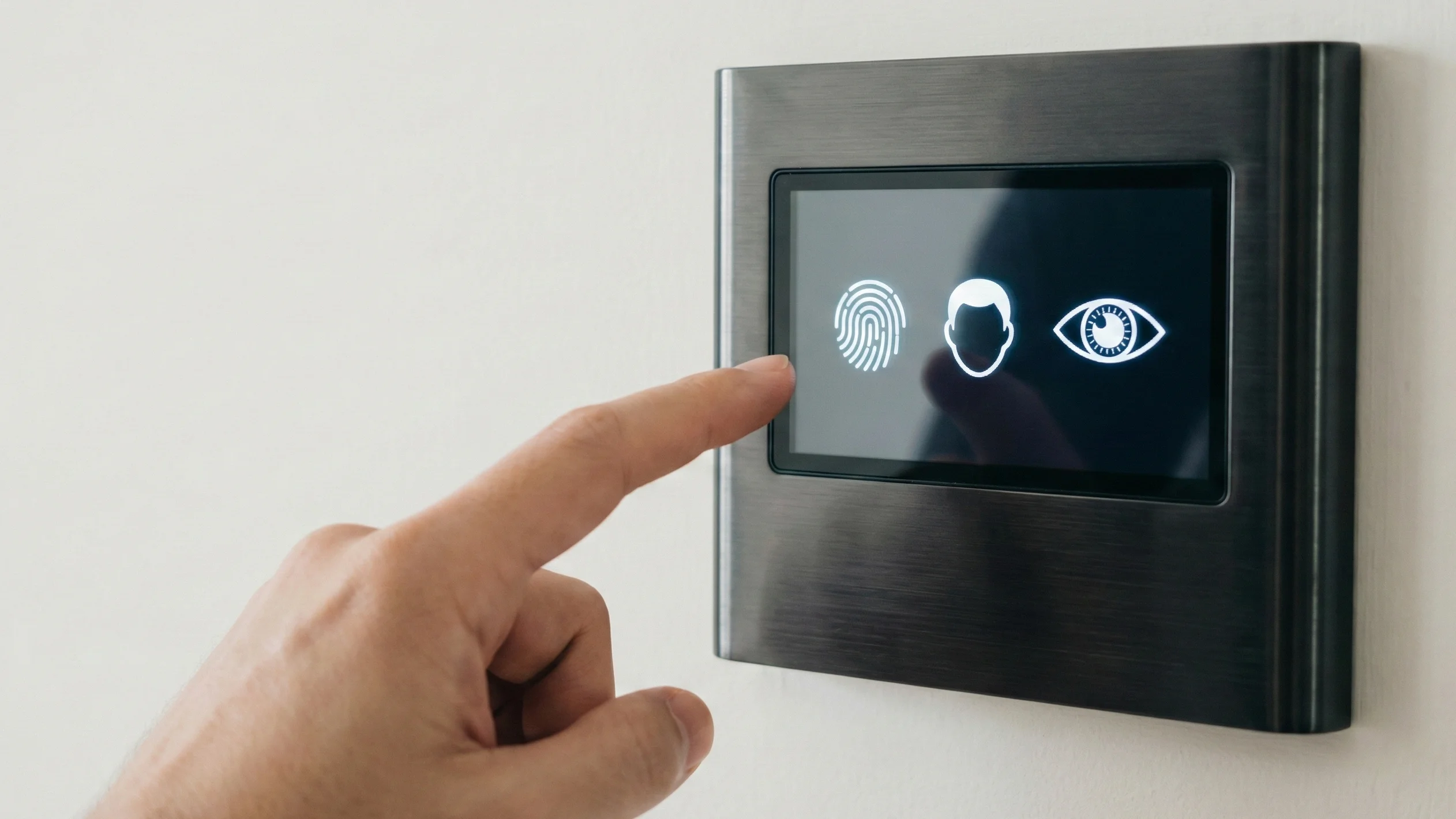
This section describes where biometric devices are used in practice and how they solve real-world problems.
Banking and Financial Services
Biometric devices are now widely deployed in banking and financial services to raise security standards while maintaining user convenience. They support both in-branch operations and remote channels such as mobile banking apps and micro-ATM networks.
- Biometric authentication, such as fingerprint or facial recognition, is used in mobile banking and ATMs to verify customers during login and transaction authorization, reducing the risk of account takeover and payment fraud.
- Payment and benefits systems in some countries rely on fingerprint and sometimes iris-based devices to authenticate beneficiaries for cash withdrawals, balance inquiries, and direct benefit transfers in rural and underserved regions.
Healthcare Sector
In healthcare, biometric devices help link patients to accurate medical records and protect sensitive clinical data. They also support secure staff access to systems and facilities where misuse or error could have serious consequences.
- Fingerprint, face, and iris-based systems are used to confirm patient identity at registration and point of care, reducing duplicate records and identity-related errors in treatment or insurance claims.
- Post-pandemic, contactless biometrics such as facial recognition and iris scanning have gained traction in hospitals and clinics to minimize touch-based workflows while still enforcing strong authentication for staff and patients.
Government and Public Sector
Government and public sector organizations use biometric devices to secure critical services, manage large populations, and combat identity fraud. These deployments often operate at national scale, handling millions of identities across multiple touchpoints.
- National ID and civil registration systems use fingerprints, iris, and sometimes face biometrics to create unique, deduplicated identity records that support services such as subsidies, voting, and social programs.
- Border control and immigration agencies employ biometric e-gates and enrollment stations that capture fingerprints and facial images to verify travelers against watchlists and travel records, improving both security and passenger throughput.
Retail Industry
Retailers increasingly adopt biometric devices to improve both security and the customer experience, particularly in omnichannel environments. These systems help connect in-store behavior with digital profiles and secure transactions.
- Facial recognition can be used in stores to recognize returning or loyalty customers, enabling personalized offers, recommendations, or faster service at checkout when implemented within legal and privacy guidelines.
- Biometrics can also support payment authorization and fraud prevention, for example by adding fingerprint or face-based verification to high-value or card-not-present transactions.
Transportation and Travel
The transportation and travel sector relies on biometric devices to streamline identity checks and enhance security at scale. This is especially visible in aviation, where passenger flows and security requirements are both very high.
- Airports deploy facial and fingerprint recognition at check-in, security screening, boarding gates, and automated border control to confirm traveler identities and speed up processing.
- Transport operators and logistics companies use biometrics to verify drivers and staff, monitor access to restricted areas, and track time and attendance for compliance and safety.
Also Check: What is Identity Proofing? A Complete Guide to Fighting Identity Fraud
Benefits of Using Biometric Devices
This section summarizes why organizations invest in biometric devices across different use cases, drawing together the recurring themes that appear across every sector covered above.
1. Enhanced security and fraud reduction.
Biometric devices strengthen security by tying access directly to a person’s unique traits, reducing the effectiveness of stolen passwords, cards, or PIN-based attacks that continue to account for a large share of security breaches across industries. This leads to fewer successful identity theft incidents, unauthorized transactions, and account takeovers in sectors such as banking, healthcare, and government services, and the security improvement is particularly meaningful because it addresses the weakest link in most traditional authentication systems, which is the human tendency to reuse passwords, choose easily guessable PINs, or fall for phishing attempts that trick people into voluntarily handing over credentials they would never knowingly give to an attacker.
2. Convenience and speed of authentication.
Once enrolled, users can authenticate quickly with a fingerprint touch, face scan, or iris glance, which is often faster and easier than typing complex passwords or presenting multiple documents that need to be located, verified, and manually checked by a human operator. This improves user experience, reduces friction in digital journeys, and can shorten queues in environments like airports, branches, and service centers, and the cumulative time savings across millions of daily transactions represents a genuine operational efficiency gain that organizations can measure directly in reduced staffing needs and shorter average processing times per customer or traveler.
3. Hygiene and contactless options increasing post-COVID.
Contactless modalities such as face, iris, and palm vein recognition allow organizations to maintain strong identity checks while minimizing shared surfaces, which became a priority during and after the COVID-19 pandemic and has remained a design consideration even as the acute phase of the pandemic has passed. This is particularly valuable in healthcare, transportation, and high-traffic public spaces where infection risk and operational continuity are critical concerns, and many organizations that initially adopted contactless biometrics purely for pandemic-era health reasons have kept the technology in place because it also happened to deliver faster throughput and a better overall user experience than the touch-based systems it replaced.
4. Increasing affordability and ease of use.
Advances in sensors, mobile hardware, and cloud-based biometric platforms have reduced costs and made biometric solutions more accessible even to mid-sized organizations that would have found this technology financially out of reach only a decade ago. User interfaces have also improved, allowing non-expert operators to enroll and verify individuals reliably with minimal training, which matters enormously in real-world deployments where the staff operating a biometric terminal at a rural clinic or a small retail branch are rarely security specialists and need a system that works correctly with only basic instruction.
Challenges and Considerations
Despite their advantages, biometric devices introduce important challenges that organizations must manage carefully, and understanding these tradeoffs is just as important as understanding the benefits when deciding whether and how to deploy biometric technology.
1. Privacy concerns and data protection
Biometric data is highly sensitive because it is intrinsic to a person and cannot be easily changed if compromised, unlike a password that can simply be reset after a breach, so regulations in many regions treat it as special-category data requiring strong safeguards well beyond what applies to ordinary personal information. Organizations must implement encryption, access controls, clear consent mechanisms, and retention policies to comply with privacy laws and maintain user trust, and the stakes of getting this wrong are high, since a breach of biometric data cannot be remediated the way a breach of a password database can, because a person cannot simply generate a new fingerprint or face the way they can generate a new password.
2. Accuracy and avoidance of false positives/negatives
No biometric system is perfect; environmental conditions, sensor quality, and user characteristics can lead to false rejections, where a legitimate user is incorrectly denied access, or, less commonly, false acceptances, where an unauthorized person is incorrectly granted access. Proper system design, quality enrollment, periodic calibration, and, where needed, multi-biometric approaches are essential to keep error rates within acceptable limits for each application, and the acceptable error threshold varies enormously depending on context, since a false rejection at a retail loyalty kiosk is a minor annoyance while a false acceptance at a border control checkpoint or a bank vault carries far more serious consequences.
3. Costs and deployment complexity
Large-scale biometric deployments can involve significant upfront investment in hardware, software, integration, and infrastructure, especially when multiple sites and modalities are involved across a distributed network of locations. Organizations must also budget for ongoing maintenance, updates, and staff training to keep systems secure and effective over time, and this ongoing operational cost is often underestimated during initial planning, since a biometric system is not a one-time purchase but a long-term commitment that requires periodic hardware refreshes, software patches to address newly discovered vulnerabilities, and continuous staff training as personnel turn over.
Conclusion
Biometric devices now play a central role in how people prove who they are, from daily consumer interactions to critical national infrastructure. By understanding their definitions, types, real-world applications, benefits, and challenges, organizations can make informed decisions about when and how to deploy biometric technologies to balance security, convenience, privacy, and cost.
Frequently Asked Questions
1. What’s the difference between physiological and behavioral biometrics?
Physiological biometrics are based on physical traits that stay fixed, such as fingerprints, iris patterns, or facial structure. Behavioral biometrics are based on how a person does something, such as their voice, typing rhythm, or signature style, and these can shift slightly over time due to mood, health, or habit changes.
2. Is palm vein scanning the same as palm print scanning?
No, and they’re often confused. Palm print scanning photographs the surface lines and ridges of the palm, similar to fingerprint imaging. Palm vein scanning uses infrared light to capture the pattern of blood vessels beneath the skin, which makes it a contactless, internal biometric that’s much harder to spoof than a surface-level scan.
3. Which contactless biometric is the most accurate: face, iris, or voice?
Iris recognition generally leads in raw accuracy because the iris has an extremely high density of stable, unique features. Facial recognition has closed much of the gap in recent years but remains more sensitive to lighting and camera angle. Voice recognition is the least precise of the three on its own, since a person’s voice can vary with illness or background noise, so it’s often paired with a second factor.
4. Can biometric devices integrate with existing attendance or access control software?
Most modern biometric hardware supports standard integration protocols and can connect to existing HR, payroll, or access control systems through APIs or middleware. Compatibility depends on the vendor and the age of the existing system, so it’s worth confirming integration support before purchasing hardware for an organization that already runs software it wants to keep.
5. Do biometric devices work for people who can’t provide a specific trait, like someone missing fingers?
This is exactly why multi-biometric and fallback options exist. Well-designed systems allow enrollment through an alternate modality, such as face or iris, or fall back to a PIN or card-based method, so no one is excluded from a service because a single biometric trait isn’t available.
6. What regulations apply to collecting and storing biometric data?
Rules vary significantly by country and region, and biometric data is frequently classified as sensitive or special-category information requiring extra safeguards. Organizations should review the specific laws that apply in their jurisdiction, since requirements around consent, storage, and breach notification differ widely and change over time.
7. Is it expensive for a small business to deploy biometric devices?
Costs have dropped substantially over the past decade, and basic fingerprint or facial recognition hardware for small-scale attendance or access control is now accessible to most small businesses. Costs rise with scale, security requirements, and the number of modalities involved, so a single-door fingerprint reader is a very different budget than a multi-site, multi-modal enterprise deployment.
8. How long do biometric devices typically last before needing replacement?
Hardware lifespan depends heavily on usage volume and environment, but most commercial-grade biometric scanners are built to last several years under normal conditions. High-traffic public deployments, like airport e-gates, tend to see shorter refresh cycles due to constant use and the need to keep pace with evolving spoofing techniques.
9. Can someone reconstruct my fingerprint or face from a stored biometric template?
Properly designed systems store a mathematical template derived from your biometric data rather than the original image, and reversing that template back into a usable fingerprint or face image is generally not feasible with current technology. This is one reason encrypted template storage is considered a baseline requirement rather than an optional safeguard.
10. Do biometric devices need an internet connection to work?
Not always. Many devices can perform local matching against templates stored on the device itself, which is common in standalone attendance terminals or offline access control points. Larger systems that check identities against a central database, such as national ID or banking systems, typically do require network connectivity to complete verification.
11. How do large-scale programs enroll millions of people quickly?
Large enrollment drives, such as national ID programs, rely on mobile enrollment kits, parallel processing across many stations simultaneously, and streamlined workflows that capture multiple biometric traits in a single sitting. Even so, enrollment at national scale is typically rolled out over months or years rather than completed all at once.
12. What’s the difference between a fingerprint sensor on a phone and one used in enterprise access control?
Phone sensors are optimized for speed, low power draw, and single-user convenience, usually verifying just one or a few enrolled fingerprints. Enterprise-grade sensors are built for durability under heavy daily use, higher accuracy across large user populations, and integration with centralized identity management systems, which generally makes them more expensive and rugged than consumer hardware.